|
Installation on Windows
1. Insert the CD. The CalculationCenter CD window appears on your screen.
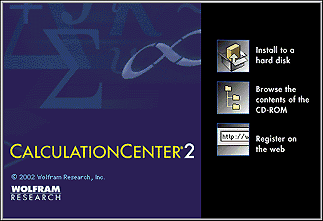
Note: If the CD window does not appear, open the CD-ROM drive icon, open the PC directory, and double-click the MathInstaller icon.
2. Click the "Install to a hard disk" button.
3. The installer dialog box appears. Click Next to continue.
4. Click Browse to select another destination directory, if you prefer. Click Next to continue.
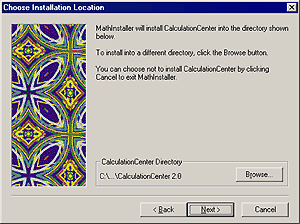
5. In the next installation screen, choose a Start menu folder for CalculationCenter. Click Next.
6. The installer displays a summary of your installation choices. To begin installing files, click Next. The installation program tells you when it has finished.
|
To install CalculationCenter under Windows NT/2000/XP, you may need to log in as the administrator.
|
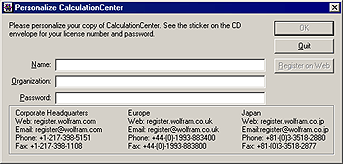
7. The first time you start CalculationCenter, you will be asked to personalize your copy. Enter the password given on the CD envelope. Then click OK.
|


