


GUIKit Example: ActionApp
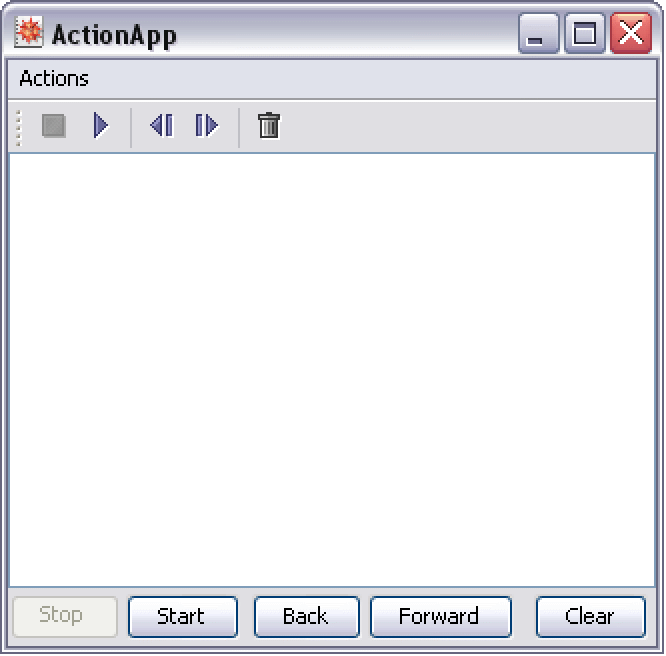
Example
This example illustrates how to take advantage of Widget["Action"] objects and easily connect and construct typical user interface elements, such as menu items, toolbars, contextual popup menus and buttons.
This example also highlights the following:
Since the ActionApp example centralizes most definitions of the user interface with the action widgets, it is also relatively easy to add localized versions of the application for many languages and locales. The following variant of the ActionApp widget definition demonstrates one way in which to organize localized data for a widget definition.
Note: The localized strings for the sample languages are not accurate and are only implemented to illustrate how a localized version might appear. Some localizations may not display completely on your machine if certain language fonts and resources are not installed.
In this sample technique for localizing content, you add a KeyString["key"] function that uses the Wolfram Language to load and find localized definitions in the filesystem relative to the widget definition. One benefit of the definition itself being a Wolfram Language expression is that you can write tools to identify what keys you are using to implement a localized resource.