How to | Use Palettes
Palettes give you immediate access to many features built into the Wolfram System, from creating syntactically complete expressions and inserting special characters, to building up charts and slide shows, all through a convenient point-and-click interface.
Selected examples from the video:
The Wolfram System provides immediate point-and-click access to many of its features through the Palettes menu. Here is a list of all the available palettes:
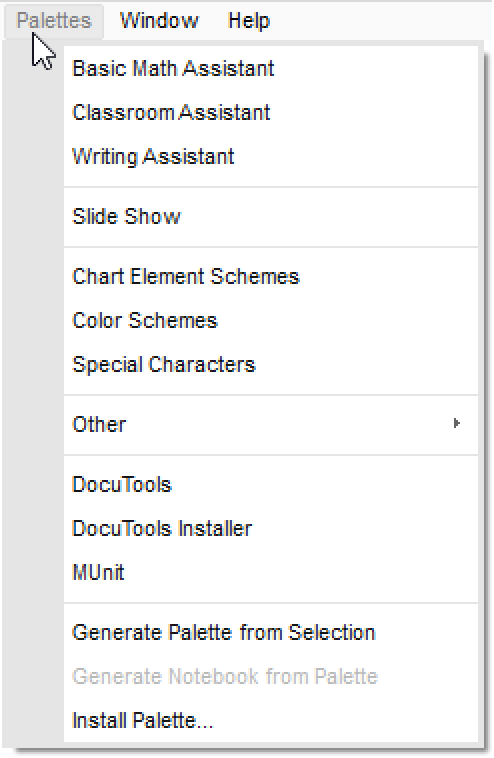
Several of these palettes are dedicated to helping you build up valid Wolfram Language syntax.
For example, if you forget the name or syntax of a 3D plotting function, instead of going to the help system you can go to the Basic Math Assistant and open the Basic Commands section. Clicking the appropriate function will insert a template for that function into your notebook:
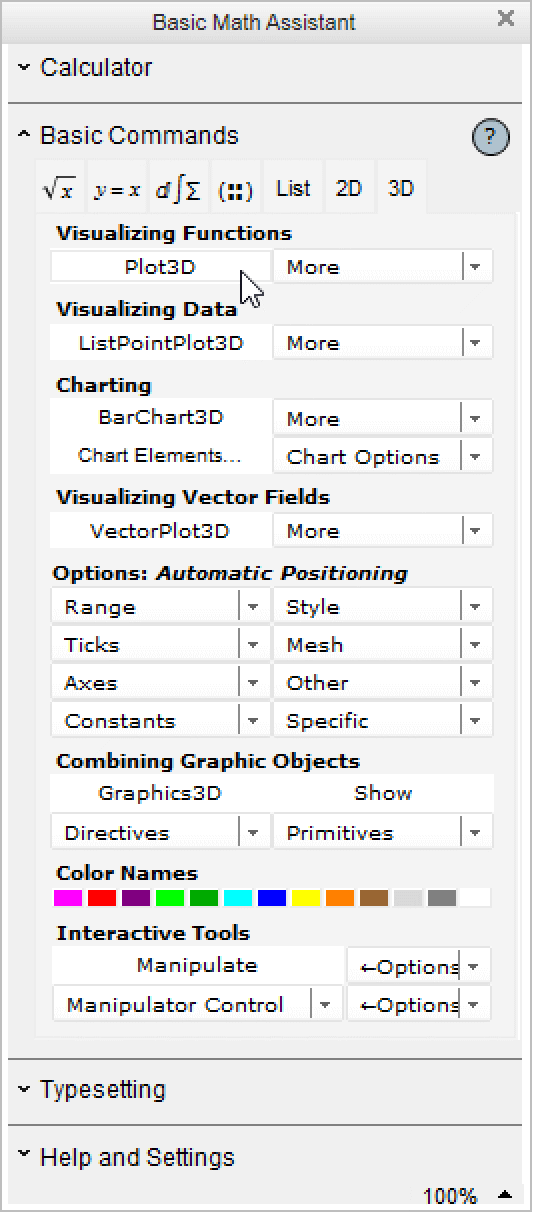
The first placeholder is selected by default. You can fill out the template by tabbing between the placeholders:

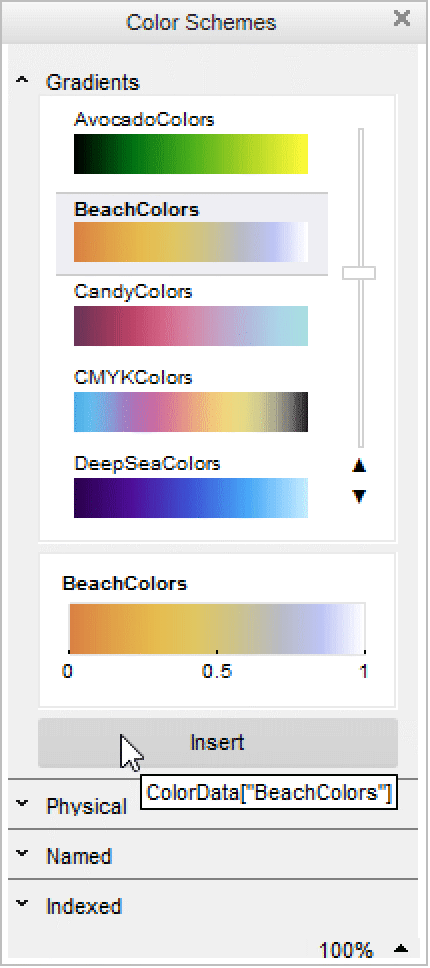
The Color Schemes palette gives visual access to many of the built-in ColorData functions. Here, you will use this palette to implement a different color scheme in the 3D plot above.
Begin by typing ColorFunction->:

In the Gradients section of the Color Schemes palette, scroll down, click BeachColors, and click Insert. Evaluate the expression to see the 3D plot with the "BeachColors" gradient:
There are also palettes for creating slide shows and for browsing hundreds of the special characters that are built into the Wolfram Language.