

DialogInput
DialogInput[expr]
interactively puts up expr as a dialog notebook, waits until a DialogReturn[e] is evaluated from within it, and then returns the result e.
DialogInput[{x=x0,y=y0,…},expr]
sets up local variables x, y, … in expr.
Details and Options
- The Wolfram Language kernel in which DialogInput is evaluated will block until the DialogReturn in the dialog is evaluated.
Examples
open all close allBasic Examples (1)
Scope (2)
Use a dialog input window to set a variable:
res = DialogInput[{name = ""}, Column[{"Type a name", InputField[Dynamic[name], String], Button["Proceed", DialogReturn[name], ImageSize -> Automatic]}]];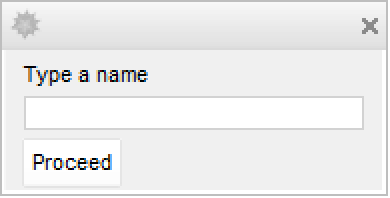
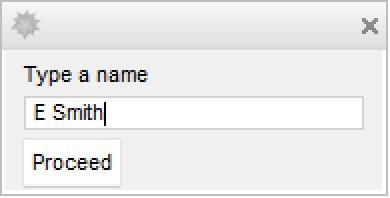
Enter some text in the field and click Proceed to set res:
resSet res to True or to False, depending which button is clicked:
res = DialogInput[DialogNotebook[{Row[{DefaultButton[DialogReturn[True]], CancelButton[DialogReturn[False]]}]}]];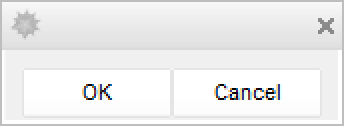
Properties & Relations (5)
This uses DialogReturn[] to return from the dialog notebook:
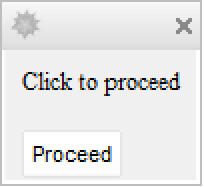
DialogInput[DialogNotebook[{TextCell["Click to proceed"], Button["OK", DialogReturn[]]}]]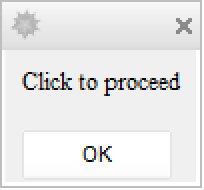
DefaultButton[] can be used instead of an explicit DialogReturn[]:
DialogInput[DialogNotebook[{TextCell["Click to proceed"], DefaultButton[]}]]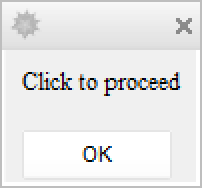
CancelButton[] implicitly uses DialogReturn[$Canceled]:
res = DialogInput[DialogNotebook[{TextCell["Click to proceed"], CancelButton[]}]];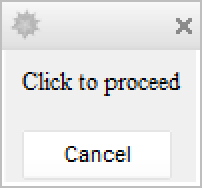
resInput[] puts up a special dialog window for entering an expression:
res = Input[];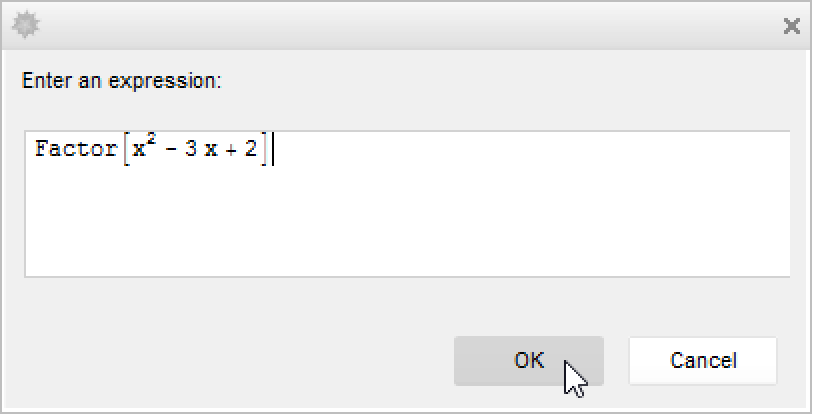
resInputString[] puts up a special dialog window for entering a string:
res = InputString[];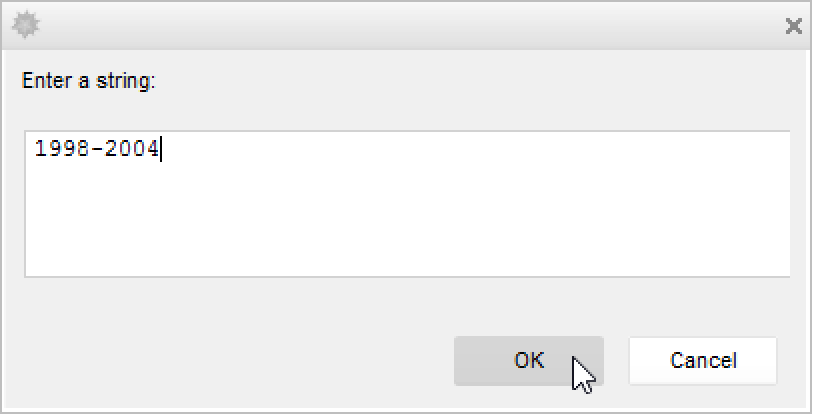
resPossible Issues (1)
DialogInput blocks the queued evaluation channel, preventing queued controls from working:
(* OK Button never returns, click close Button to quit *)
	DialogInput[Button["OK", DialogReturn["Success"], Method -> "Queued"]]
Some values of SynchronousUpdating also use the queued channel and are blocked:
x = "fox";
DialogInput[Button[Row[{"x is a ", Dynamic[x, SynchronousUpdating -> False]}], DialogReturn[Null]]]
For Manipulate, the default value of SynchronousUpdating must be changed for it to work:
DialogInput[{n}, Manipulate[Sin[n], {n, 1, 5}, Item[DefaultButton[DialogReturn[Sin[n]]], ControlPlacement -> Bottom], LocalizeVariables -> False, SynchronousUpdating -> True]]Scheduled tasks might not run while the queued evaluation channel is blocked:
DialogInput[Row[{Button["Print", SessionSubmit[ScheduledTask[Print[1], {Quantity[1, "Seconds"], 1}]]], DefaultButton[]}]]Text
Wolfram Research (2007), DialogInput, Wolfram Language function, https://reference.wolfram.com/language/ref/DialogInput.html.
CMS
Wolfram Language. 2007. "DialogInput." Wolfram Language & System Documentation Center. Wolfram Research. https://reference.wolfram.com/language/ref/DialogInput.html.
APA
Wolfram Language. (2007). DialogInput. Wolfram Language & System Documentation Center. Retrieved from https://reference.wolfram.com/language/ref/DialogInput.html