Evaluator


Evaluator

Examples
Basic Examples (1)
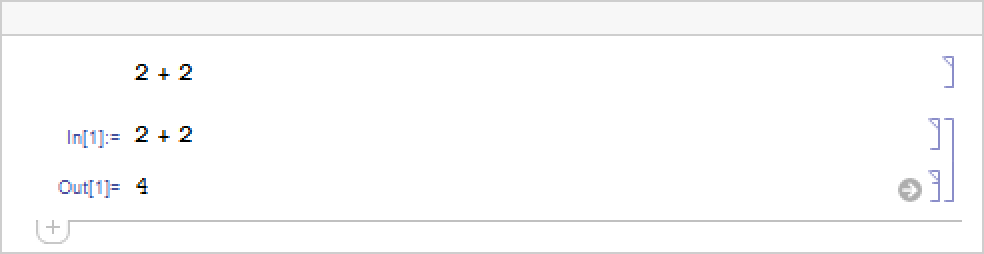
Create input cells with different Evaluator settings:

The first cell has no evaluator; the second cell uses the evaluator named "Local":
Wolfram Research (1996), Evaluator, Wolfram Language function, https://reference.wolfram.com/language/ref/Evaluator.html.
Text
Wolfram Research (1996), Evaluator, Wolfram Language function, https://reference.wolfram.com/language/ref/Evaluator.html.
CMS
Wolfram Language. 1996. "Evaluator." Wolfram Language & System Documentation Center. Wolfram Research. https://reference.wolfram.com/language/ref/Evaluator.html.
APA
Wolfram Language. (1996). Evaluator. Wolfram Language & System Documentation Center. Retrieved from https://reference.wolfram.com/language/ref/Evaluator.html