


LineIndent
Details

- The typical default setting is LineIndent->1.
- The setting for LineIndent determines the amount of indentation that will be inserted after any explicit newline is entered when AutoIndent->True.
Examples
open allclose allScope (1)
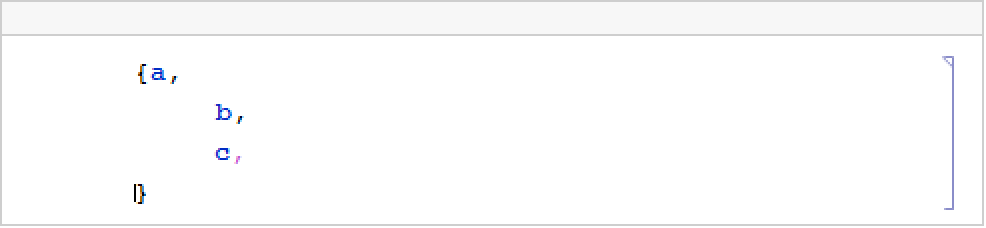
Create a cell with AutoIndent->True with specific line indent:
When you press the ![TemplateBox[{return}, Key0, BaseStyle -> {ExampleText, FontWeight -> Plain, FontFamily -> Source Sans Pro}]](Files/LineIndent.en/1.png "TemplateBox[{return}, Key0, BaseStyle -> {ExampleText, FontWeight -> Plain, FontFamily -> Source Sans Pro}]") key, the Wolfram System inserts the indentation according to LineIndent:
key, the Wolfram System inserts the indentation according to LineIndent:
Wolfram Research (1996), LineIndent, Wolfram Language function, https://reference.wolfram.com/language/ref/LineIndent.html.
Text
Wolfram Research (1996), LineIndent, Wolfram Language function, https://reference.wolfram.com/language/ref/LineIndent.html.
CMS
Wolfram Language. 1996. "LineIndent." Wolfram Language & System Documentation Center. Wolfram Research. https://reference.wolfram.com/language/ref/LineIndent.html.
APA
Wolfram Language. (1996). LineIndent. Wolfram Language & System Documentation Center. Retrieved from https://reference.wolfram.com/language/ref/LineIndent.html