


PageBreakBelow
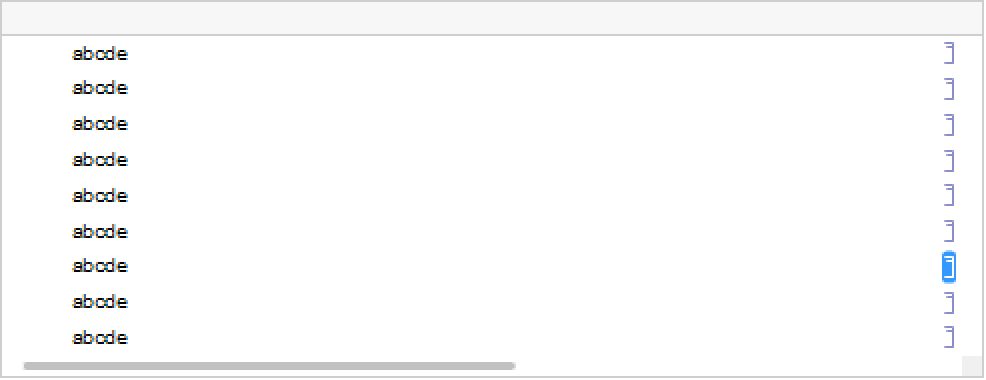
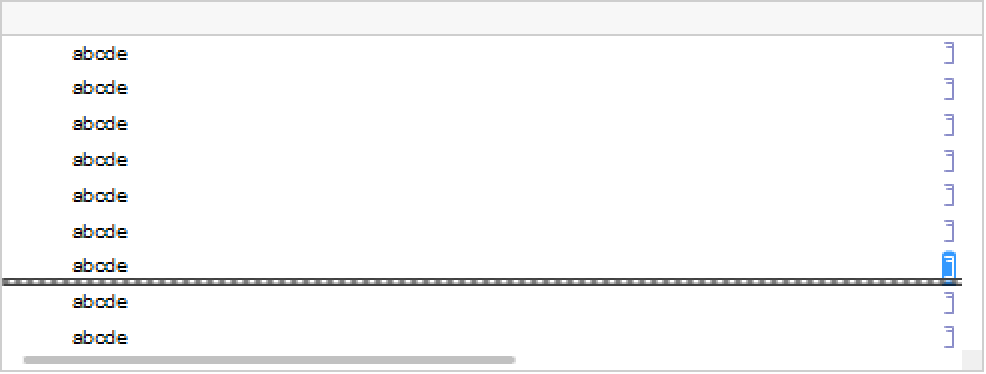
is an option for Cell which specifies whether a page break should be made immediately below the cell if the notebook that contains the cell is printed.

Examples
Wolfram Research (1996), PageBreakBelow, Wolfram Language function, https://reference.wolfram.com/language/ref/PageBreakBelow.html.
Text
Wolfram Research (1996), PageBreakBelow, Wolfram Language function, https://reference.wolfram.com/language/ref/PageBreakBelow.html.
CMS
Wolfram Language. 1996. "PageBreakBelow." Wolfram Language & System Documentation Center. Wolfram Research. https://reference.wolfram.com/language/ref/PageBreakBelow.html.
APA
Wolfram Language. (1996). PageBreakBelow. Wolfram Language & System Documentation Center. Retrieved from https://reference.wolfram.com/language/ref/PageBreakBelow.html