


SelectionCreateCell
SelectionCreateCell[notebook]
copies the contents of the current selection in a notebook into a new cell.
SelectionCreateCell[notebook,sel]
sets the current selection after the copy to be as specified by sel.
Details
- The first argument of SelectionCreateCell is a NotebookObject.
- If the current selection is a cell group, then SelectionCreateCell will create a new cell group.
- Possible settings for sel are as in NotebookWrite.
- The default for sel is After.
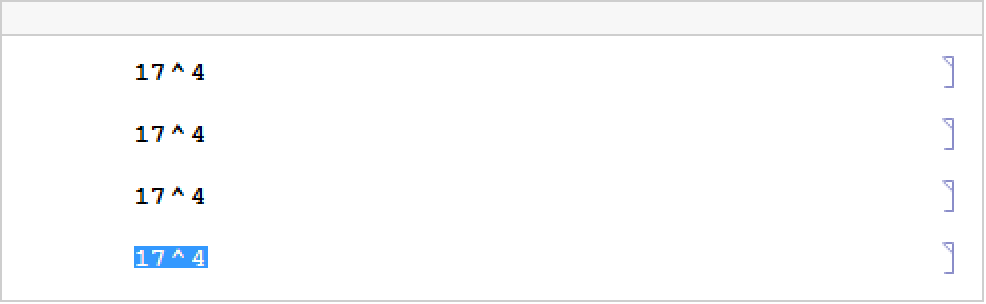
- SelectionCreateCell[notebook,All] sets the current selection to be the whole of the newly created cell.
Examples
open allclose all



Wolfram Research (1996), SelectionCreateCell, Wolfram Language function, https://reference.wolfram.com/language/ref/SelectionCreateCell.html.
Text
Wolfram Research (1996), SelectionCreateCell, Wolfram Language function, https://reference.wolfram.com/language/ref/SelectionCreateCell.html.
CMS
Wolfram Language. 1996. "SelectionCreateCell." Wolfram Language & System Documentation Center. Wolfram Research. https://reference.wolfram.com/language/ref/SelectionCreateCell.html.
APA
Wolfram Language. (1996). SelectionCreateCell. Wolfram Language & System Documentation Center. Retrieved from https://reference.wolfram.com/language/ref/SelectionCreateCell.html