StyleDefinitions


StyleDefinitions
is an option for notebooks that gives definitions for the styles that can be used in a notebook.
Details
- StyleDefinitions->"name.nb" specifies that style definitions from the notebook "name.nb" should be used.
- The standard notebook front end comes with a selection of style definition notebooks containing styles appropriate for particular purposes.
- StyleDefinitions->Notebook[…] allows style definitions to be given explicitly.
- The definition for a style named "s" is specified by the options for the first cell whose contents is StyleData["s"].
Examples
Basic Examples (1)
Create a document with styles defined in the standard stylesheet "Default.nb":
nb = CreateDocument[{TextCell["section", "Section"], TextCell[StringJoin[Table["abcd ", {40}]], "Text"], ExpressionCell[f /@ {x, y, z}, "Input"], ExpressionCell[Graphics3D[Table[Sphere[{x, 0, 0}, RandomReal[]], {x, 0, 4}]], "Output"]}, StyleDefinitions -> "Default.nb"];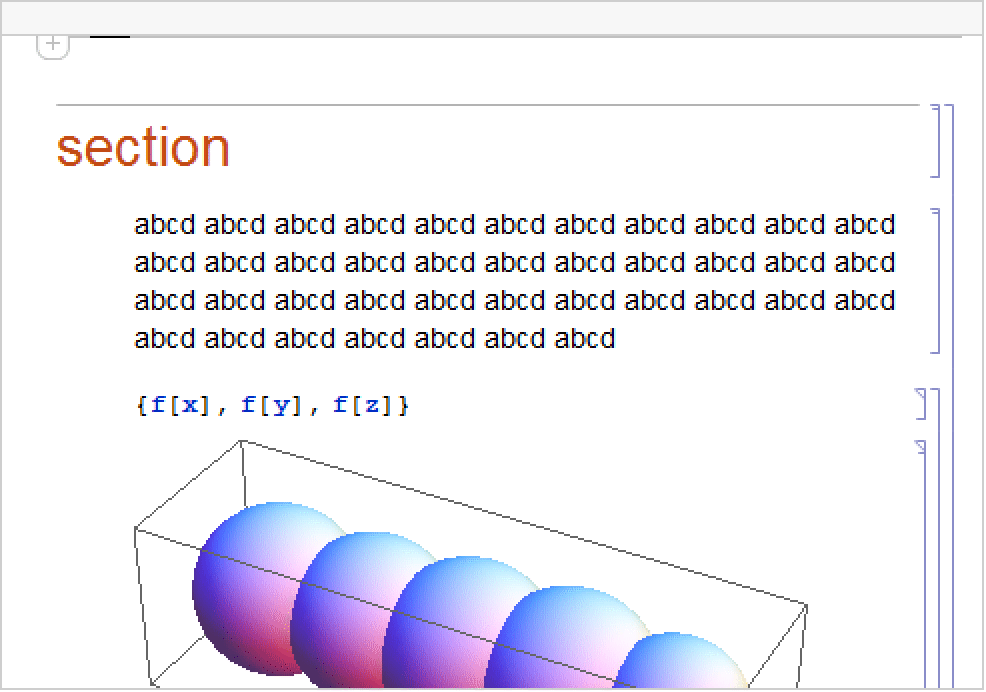
Check the StyleDefinitions setting:
Options[nb, StyleDefinitions]Use SetOptions to switch to a different stylesheet:
SetOptions[nb, StyleDefinitions -> FileNameJoin[{$InstallationDirectory, "SystemFiles", "FrontEnd", "StyleSheets", "Book", "Textbook.nb"}]]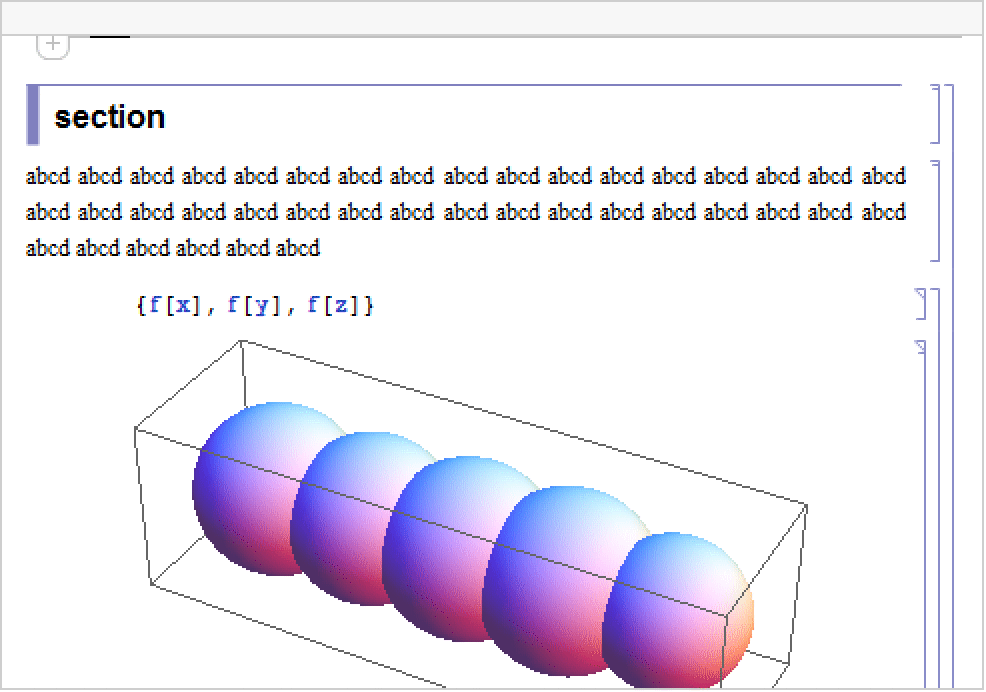
Wolfram Research (1996), StyleDefinitions, Wolfram Language function, https://reference.wolfram.com/language/ref/StyleDefinitions.html.
Text
Wolfram Research (1996), StyleDefinitions, Wolfram Language function, https://reference.wolfram.com/language/ref/StyleDefinitions.html.
CMS
Wolfram Language. 1996. "StyleDefinitions." Wolfram Language & System Documentation Center. Wolfram Research. https://reference.wolfram.com/language/ref/StyleDefinitions.html.
APA
Wolfram Language. (1996). StyleDefinitions. Wolfram Language & System Documentation Center. Retrieved from https://reference.wolfram.com/language/ref/StyleDefinitions.html