Mathematica > Notebooks and Documents > Notebook Basics > Menu Items > Insert > Table/Matrix > New... >

Insert Table/Matrix New...

New
opens a dialog for generating a table or matrix.
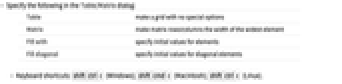
  • Specify the following in the Table/Matrix dialog:
Tablemake a grid with no special options
Matrixmake matrix rows/columns the width of the widest element
Fill withspecify initial values for elements
Fill diagonalspecify initial values for diagonal elements
  • Keyboard shortcuts: Shift+Ctrl+C (Windows); Shift+Cmd+C (Macintosh); Shift+Ctrl+C (X).
Ask a question about this page  |  Suggest an improvement  |  Leave a message for the team
Format:   HTML  |  CDF