


 File ▶ Printing Settings ▶ Printing Options...
Printing Options
sets options for printing a notebook. The Wolfram System saves these settings with the notebook.
Details
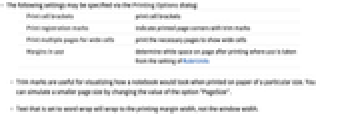
- The following settings may be specified via the Printing Options dialog:
-
Print cell brackets print cell brackets Print registration marks indicate printed page corners with trim marks Print multiple pages for wide cells print the necessary pages to show wide cells Margins in unit determine white space on page after printing where unit is taken from the setting of RulerUnits - Trim marks are useful for visualizing how a notebook would look when printed on paper of a particular size. You can simulate a smaller page size by changing the value of the option "PageSize".
- Text that is set to word wrap will wrap to the printing margin width, not the window width.