


mathematica

starts the full Wolfram System including notebook interface on Unix and Linux.
Details
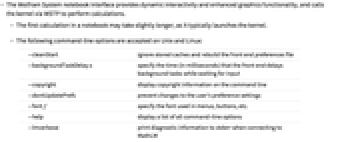
- The Wolfram System notebook interface provides dynamic interactivity and enhanced graphics functionality, and calls the kernel via WSTP to perform calculations.
- The first calculation in a notebook may take slightly longer, as it typically launches the kernel.
- The following command-line options are accepted on Unix and Linux:
-
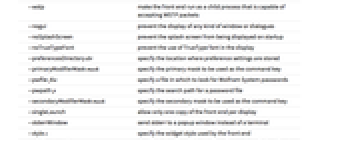
-cleanStart ignore stored caches and rebuild the front end preferences file -copyright display copyright information on the command line -font f specify the font used in menus, buttons, etc. -help display a list of all command-line options -lmverbose print diagnostic information to stderr when connecting to MathLM -wstp make the front end run as a child process that is capable of accepting WSTP packets -nogui prevent the display of any kind of window or dialogues -noSplashScreen prevent the splash screen from being displayed on startup -platform plat specify the Qt platform abstraction plugin -preferencesDirectory dir specify the location where preference settings are stored -primaryModifierMask mask specify the primary mask to be used as the command key -pwfile file specify a file in which to look for Wolfram System passwords -pwpath p specify the search path for a password file -secondaryModifierMask mask specify the secondary mask to be used as the command key -server run in server mode, which disables user interaction -singleLaunch allow only one copy of the front end per display -style s specify the widget style used by the front end -topDirectory dir specify the location of the Wolfram System installation directory -version print the current version of the front end on the command line - When using -font, a list of possible font names can be found by using
 . The name can be expressed either as an X Logical Font Description or as a valid font alias.
 - By default, the X version of the notebook front end effectively uses -platform xcb to use the X Window System Qt Platform Abstraction plugin. When running the front end in server mode, it may be useful to run without an X server by specifying -platform offscreen.
- If you are running X, an additional menu folder named Wolfram is already installed in the desktop menu. Inside the folder is an item named Mathematica that points to the most recently installed version of the Wolfram System. File associations are modified such that .nb files are associated with the most recently installed version of the Wolfram System.