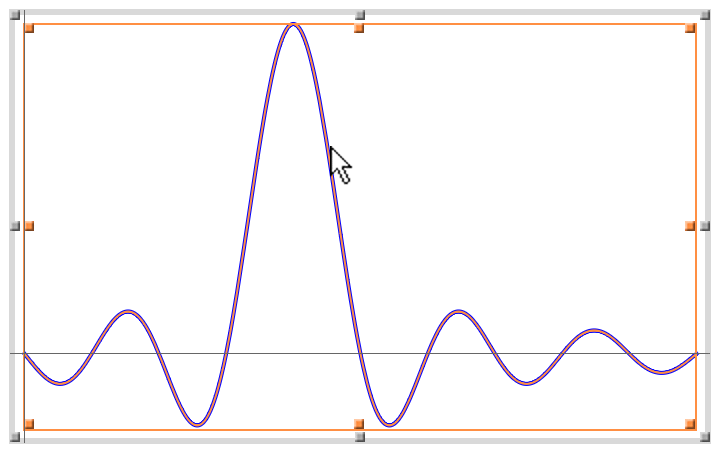
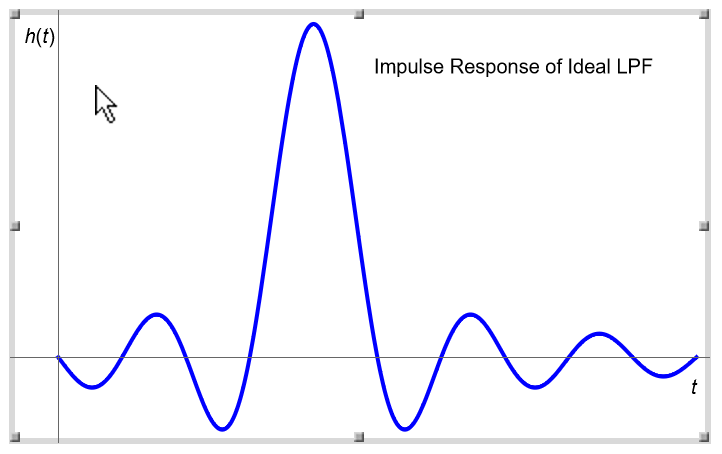
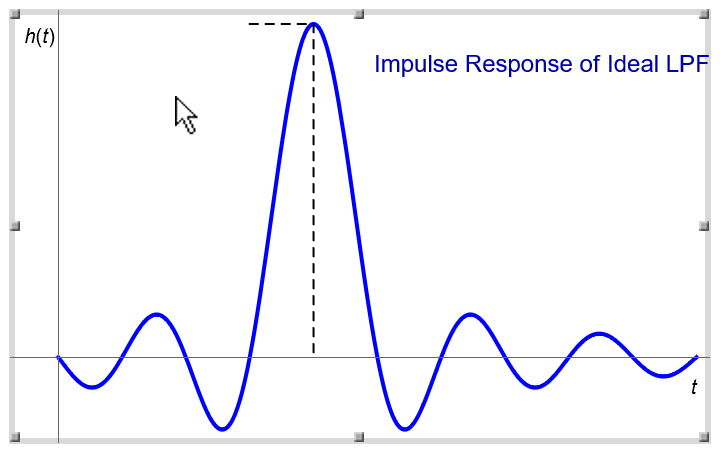
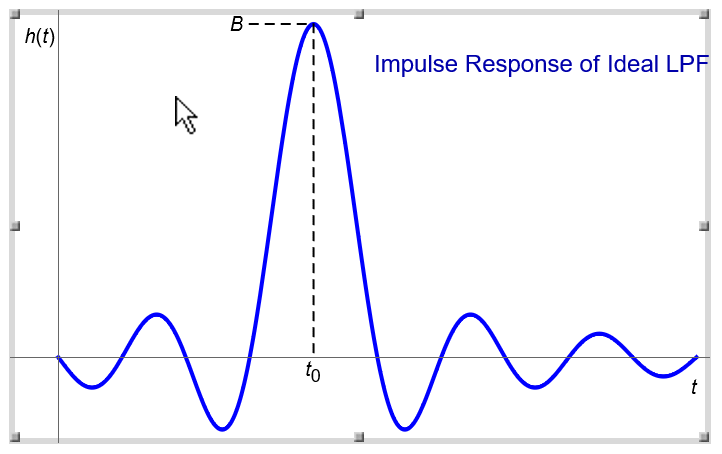
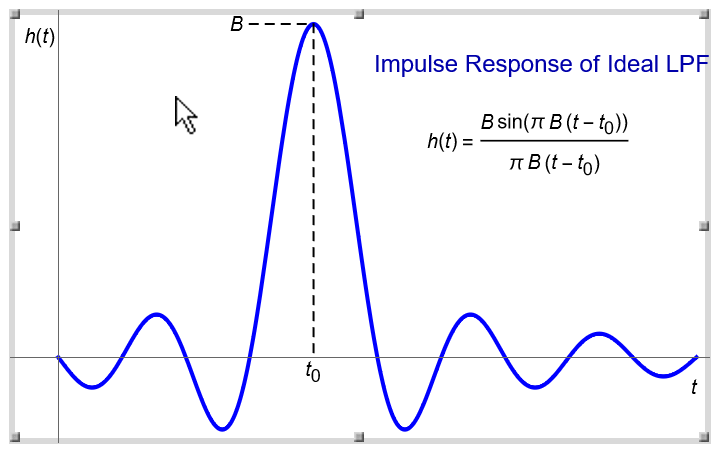
The following graph represents an impulse response of an ideal lowpass filter (LPF). This graph illustrates some of the ways of interacting with graphics. Details on each topic follow in the other parts of "Interactive Graphics".
Select the curve and change its color and thickness using the Stroke section of Drawing Tools.
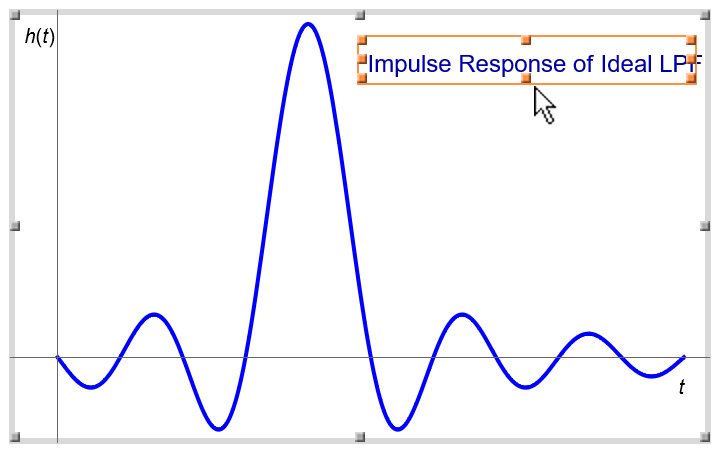
Using the Place Text tool and the Place TraditionalForm Text tool, add a plot label and axis labels.
You can edit the title to change its font, color, size, and face using the Text section.
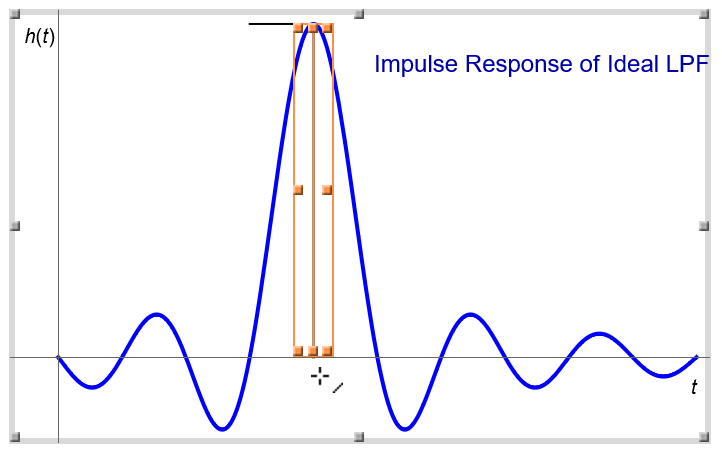
Draw vertical and horizontal lines to the maximum point with the Draw Line tool.
Select the lines and make them dashed using the Stroke section.
Label the point with the Place TraditionalForm Text tool.