

AutoIndent
Details
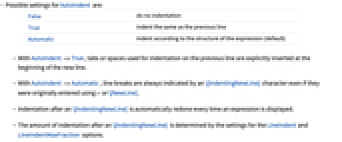
- Possible settings for AutoIndent are:
-
False do no indentation True indent the same as the previous line Automatic indent according to the structure of the expression (default) - With AutoIndent->True, tabs or spaces used for indentation on the previous line are explicitly inserted at the beginning of the new line.
- With AutoIndent->Automatic, line breaks are always indicated by an \[IndentingNewLine] character even if they were originally entered using ↵ or \[NewLine].
- Indentation after an \[IndentingNewLine] is automatically redone every time an expression is displayed.
- The amount of indentation after an \[IndentingNewLine] is determined by the settings for the LineIndent and LineIndentMaxFraction options.
Examples
Basic Examples (2)
Create a cell with AutoIndent->True:
Type some spaces at the beginning of a line:
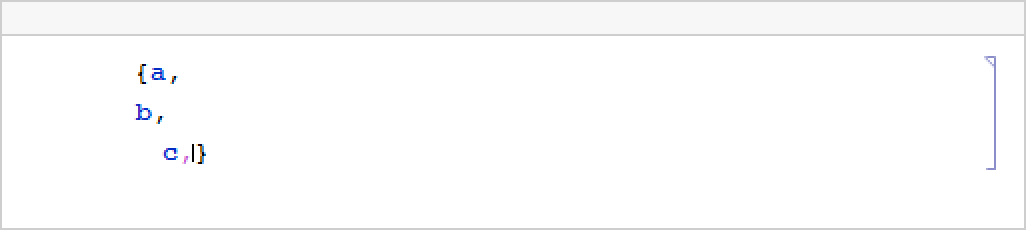
When you press the  key, the Wolfram System inserts the same indentation in the next line:
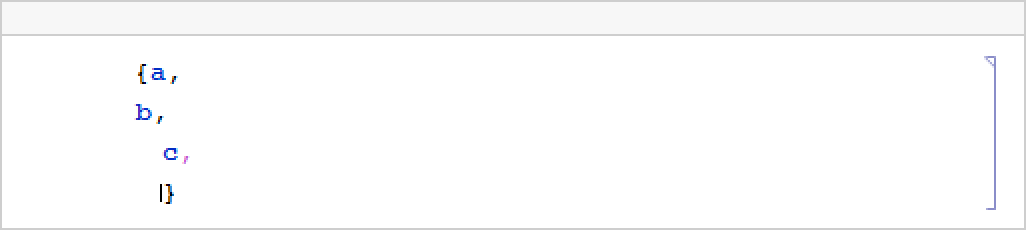
Create a cell with AutoIndent->Automatic:
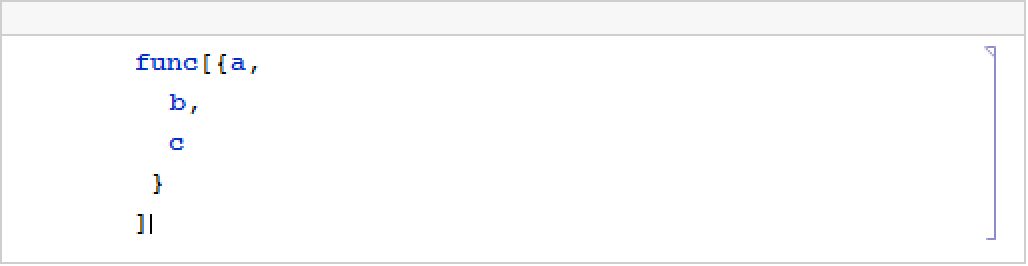
Every time you press  in this cell, the Wolfram System indents according to expression structure:
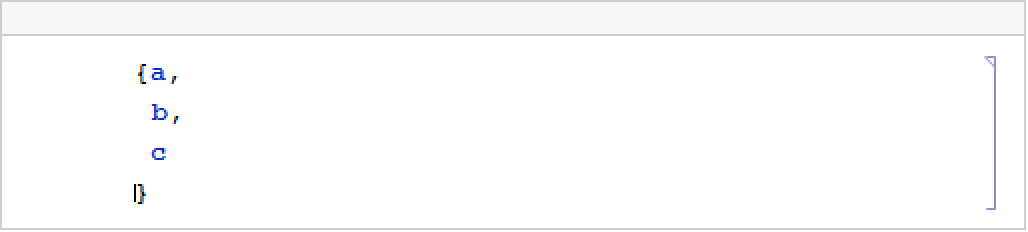
As you edit the cell further, the structural indentation shifts appropriately:
Text
Wolfram Research (1996), AutoIndent, Wolfram Language function, https://reference.wolfram.com/language/ref/AutoIndent.html (updated 2002).
CMS
Wolfram Language. 1996. "AutoIndent." Wolfram Language & System Documentation Center. Wolfram Research. Last Modified 2002. https://reference.wolfram.com/language/ref/AutoIndent.html.
APA
Wolfram Language. (1996). AutoIndent. Wolfram Language & System Documentation Center. Retrieved from https://reference.wolfram.com/language/ref/AutoIndent.html