DialogNotebook


DialogNotebook
DialogNotebook[{cell1,cell2,…}]
represents a dialog notebook that can be manipulated by the Wolfram System front end.
Details and Options

- CreateWindow takes a DialogNotebook expression and displays it in a separate window.
- If generated as output within a notebook, DialogNotebook displays as an in-cell representation of a dialog notebook.
- DialogNotebook can take any notebook option.
Examples
open all close allBasic Examples (2)
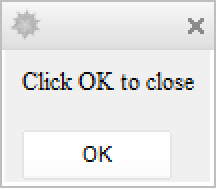
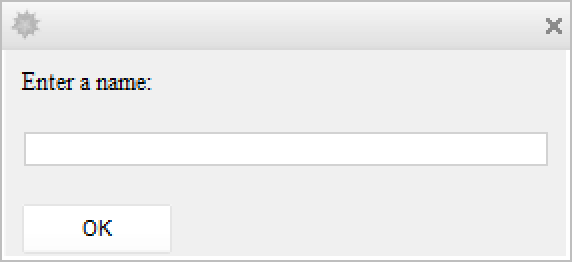
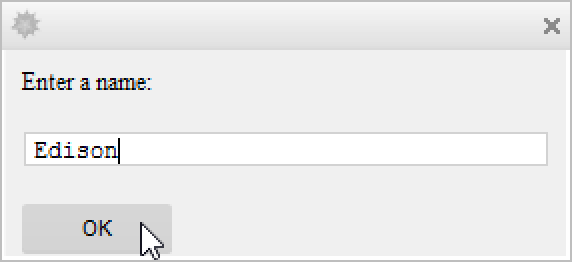
Options (3)
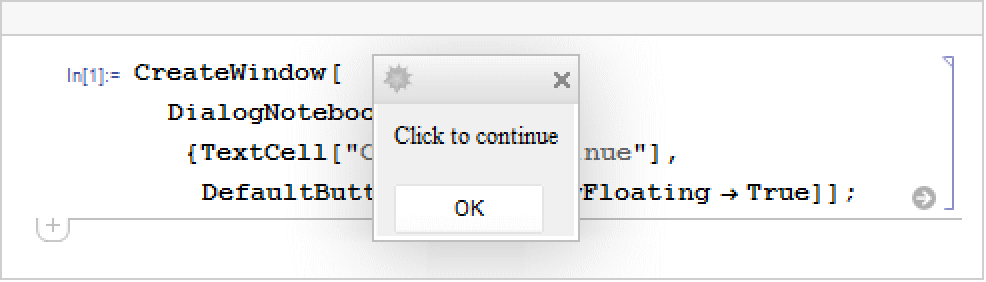
WindowFloating (1)
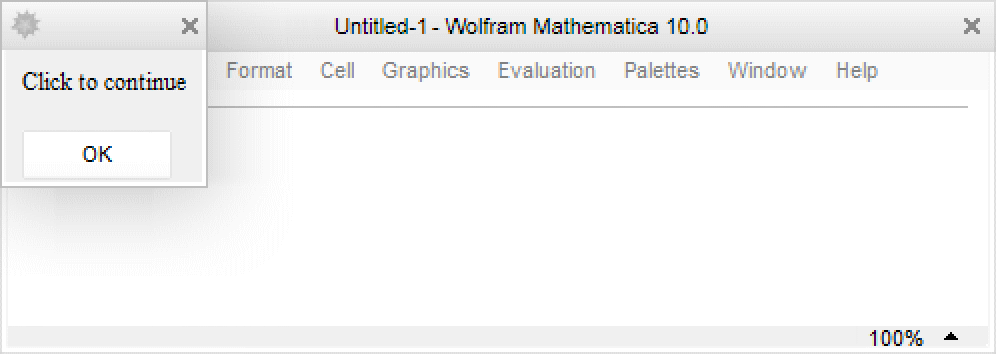
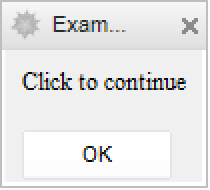
Set to True to make a dialog box that stays on top of other windows:
Properties & Relations (2)
Wolfram Research (2007), DialogNotebook, Wolfram Language function, https://reference.wolfram.com/language/ref/DialogNotebook.html.
Text
Wolfram Research (2007), DialogNotebook, Wolfram Language function, https://reference.wolfram.com/language/ref/DialogNotebook.html.
CMS
Wolfram Language. 2007. "DialogNotebook." Wolfram Language & System Documentation Center. Wolfram Research. https://reference.wolfram.com/language/ref/DialogNotebook.html.
APA
Wolfram Language. (2007). DialogNotebook. Wolfram Language & System Documentation Center. Retrieved from https://reference.wolfram.com/language/ref/DialogNotebook.html