NotebookAutoSave
is a notebook option that specifies whether the notebook should automatically be saved after each piece of output generated by evaluation in it.
Examples
Basic Examples (1)
Create a notebook with NotebookAutoSave->True and save it to a file:
nb = CreateDocument[Map[ExpressionCell[Defer[# + #], "Input"]&, Range[3]], NotebookAutoSave -> True];fname = FileNameJoin[{$TemporaryDirectory, "autosave.nb"}];NotebookSave[nb, fname]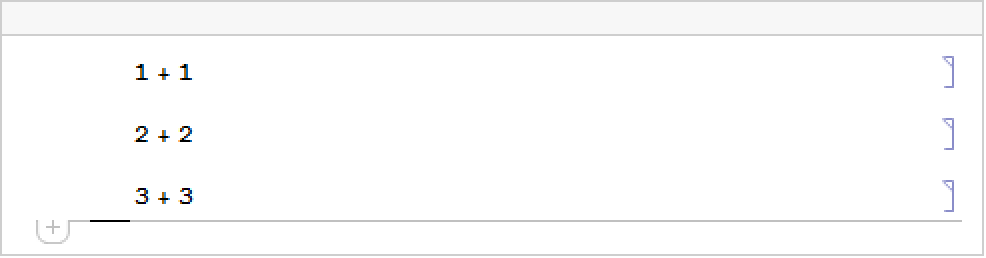
Check the time of creation of the notebook file:
DateString[Date /. FileInformation[fname], "Time"]When you evaluate an input, the notebook is automatically resaved:
SelectionMove[nb, Next, Cell];
SelectionEvaluate[nb]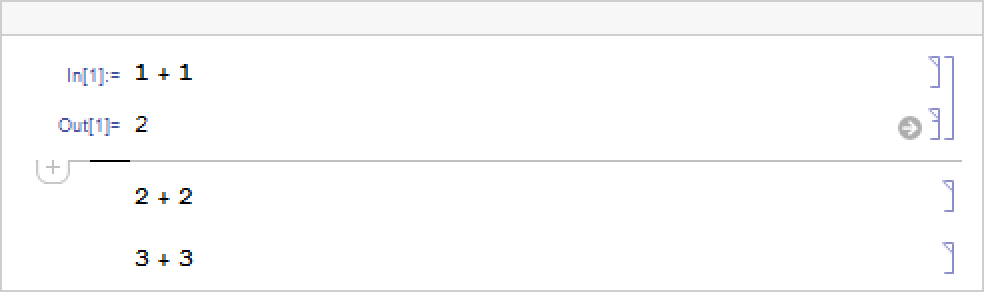
This shows the newer modification time of the file:
DateString[Date /. FileInformation[fname], "Time"]Close the notebook and delete the temporary file:
NotebookClose[nb];
DeleteFile[fname];Text
Wolfram Research (1996), NotebookAutoSave, Wolfram Language function, https://reference.wolfram.com/language/ref/NotebookAutoSave.html.
CMS
Wolfram Language. 1996. "NotebookAutoSave." Wolfram Language & System Documentation Center. Wolfram Research. https://reference.wolfram.com/language/ref/NotebookAutoSave.html.
APA
Wolfram Language. (1996). NotebookAutoSave. Wolfram Language & System Documentation Center. Retrieved from https://reference.wolfram.com/language/ref/NotebookAutoSave.html