

WindowMargins
is a notebook option that specifies what margins to leave around the window that is used to display the notebook on the screen.
Details
- WindowMargins->{{left,right},{bottom,top}} specifies the distances from each edge of the main display screen to each edge of the notebook window.
- Typically only two distances are given explicitly; the others are Automatic, indicating that they should be determined from the size of the window.
- Explicit distances are given in printer's points.
- Negative values represent edges that are off the main display monitor, but may be visible on additional monitors.
- The settings for WindowMargins change whenever you move a window around interactively using the front end.
- Window edges closer to the edges of the display screen are typically assigned explicit margin distances; the others are set to Automatic. This allows the same setting for WindowMargins to work on screens of different sizes.
- With WindowSize->{Automatic,Automatic}, all four margin distances must be given explicitly.
- With the default setting WindowMargins->Automatic, new windows are placed on the screen in such a way as to make as many window title bars visible as possible.
Examples
open all close allBasic Examples (2)
Scope (4)
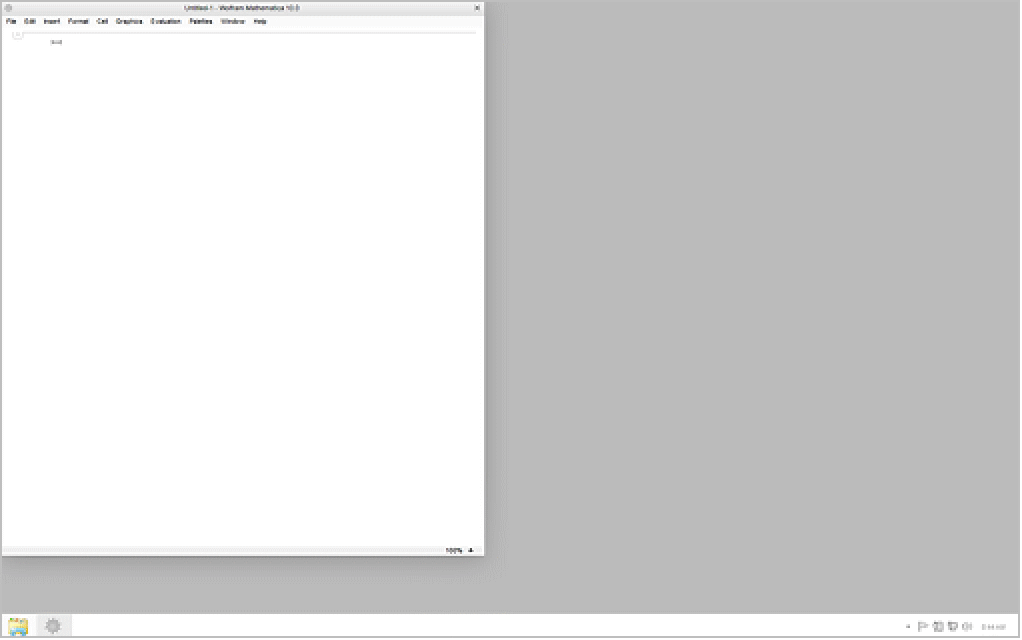
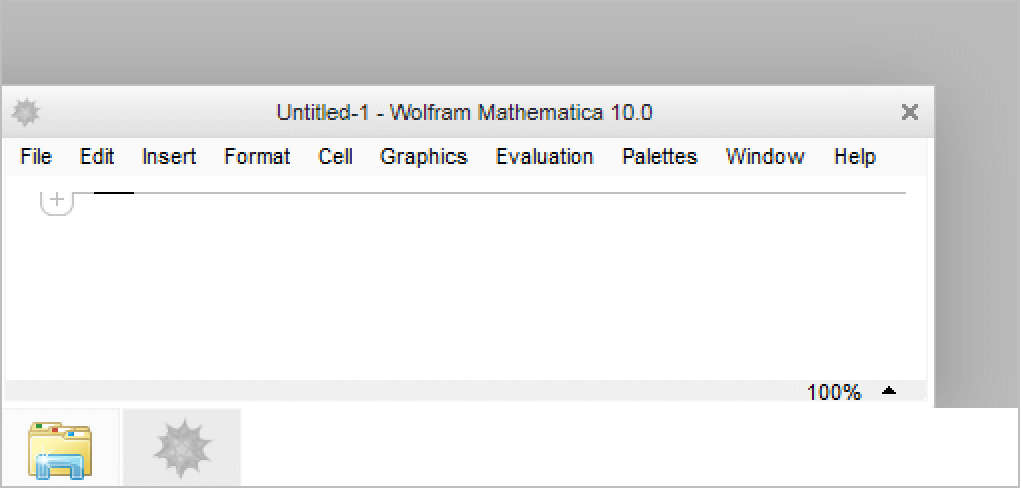
Position a notebook at the lower-left corner of the screen:
CreateWindow[WindowMargins -> {{0, Automatic}, {0, Automatic}}];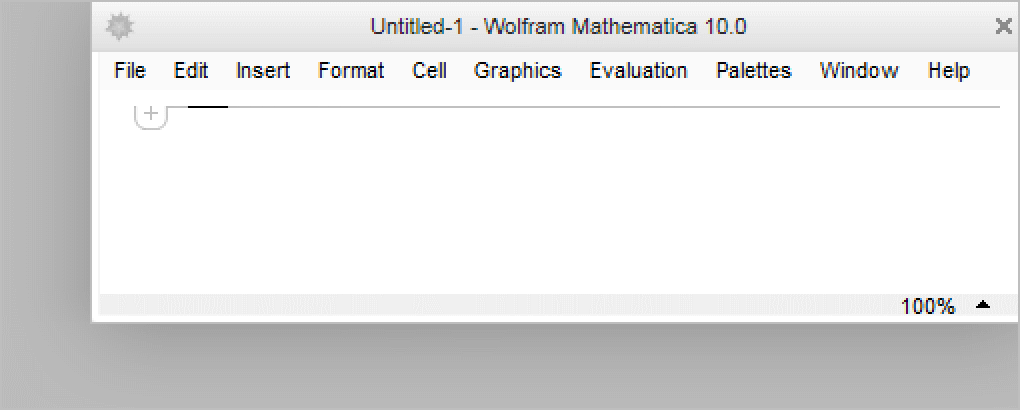
Position a notebook at the upper-right corner of the screen:
CreateWindow[WindowMargins -> {{Automatic, 0}, {Automatic, 0}}];;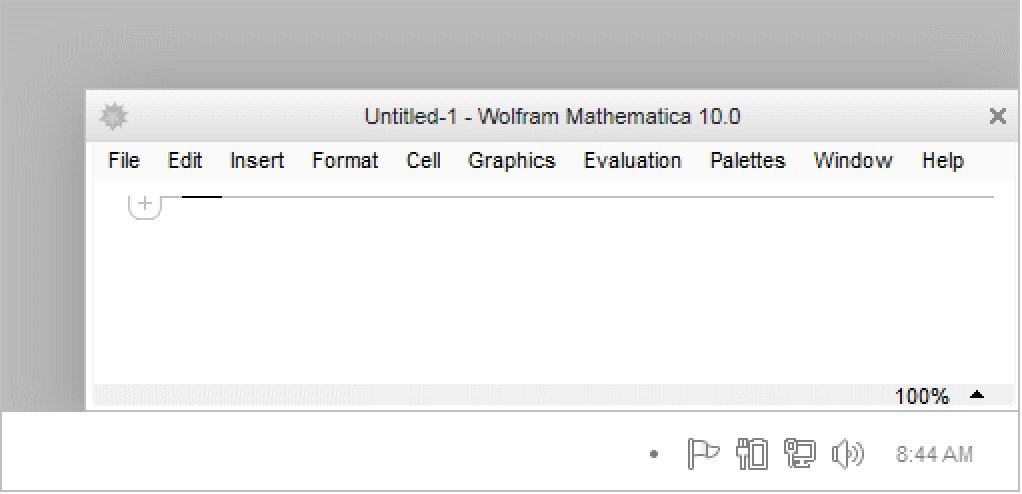
Position a notebook at the lower-right corner of the screen:
CreateWindow[WindowMargins -> {{Automatic, 0}, {0, Automatic}}];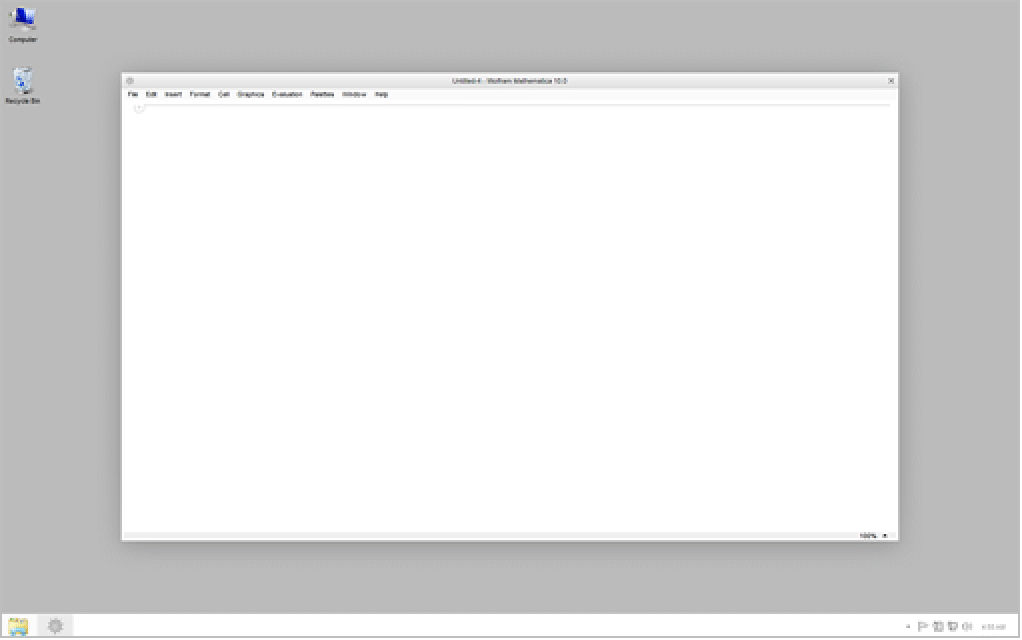
CreatePalette and CreateDialog have preset WindowMargins that can be overridden:
{CreatePalette[Graphics[{Blue, Disk[]}]], CreatePalette[Graphics[{Green, Disk[]}], WindowMargins -> Automatic]};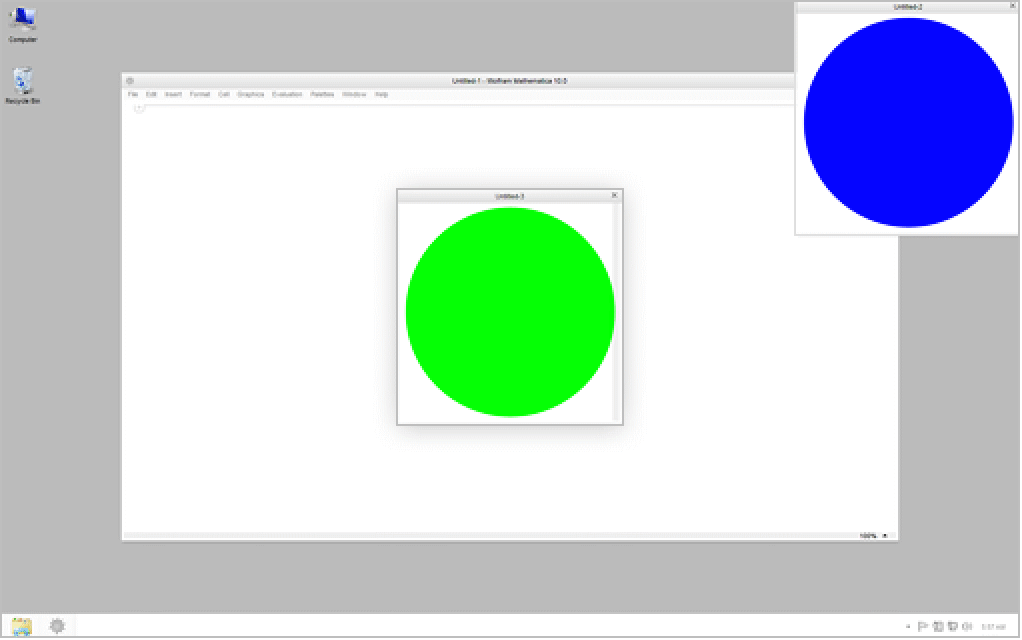
{CreateDialog[Graphics[{Blue, Disk[]}]], CreateDialog[Graphics[{Green, Disk[]}], WindowMargins -> {{0, Automatic}, {Automatic, 0}}]};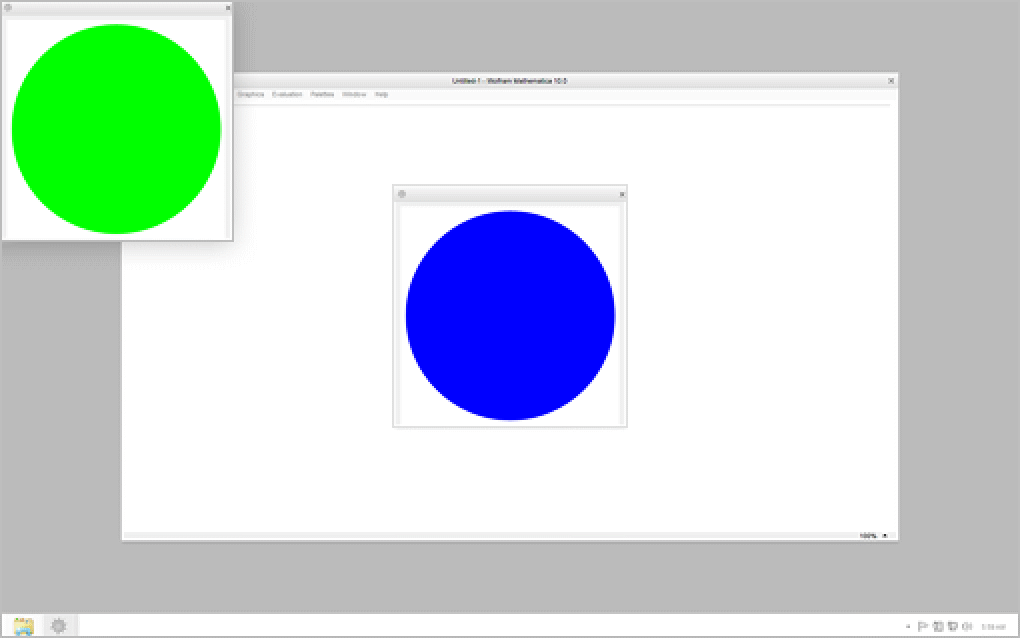
Text
Wolfram Research (1996), WindowMargins, Wolfram Language function, https://reference.wolfram.com/language/ref/WindowMargins.html.
CMS
Wolfram Language. 1996. "WindowMargins." Wolfram Language & System Documentation Center. Wolfram Research. https://reference.wolfram.com/language/ref/WindowMargins.html.
APA
Wolfram Language. (1996). WindowMargins. Wolfram Language & System Documentation Center. Retrieved from https://reference.wolfram.com/language/ref/WindowMargins.html