WindowSize


WindowSize
is a notebook option that specifies the size of window that should be used to display a notebook on the screen.
Details
- The following settings can be given:
-
wspec width specified by wspec; height determined automatically {wspec,hspec} width and height specified Full full screen - Specifications for both width and height can be any of the following:
-
Automatic determined by WindowMargins and screen size Tiny, Small, Medium, Large predefined sizes d d printer's points 72di di inches Scaled[s] a fraction s of the screen All large enough to fit all visible contents » - The setting for WindowSize changes whenever you resize a window interactively in the front end.
- On most computer systems, the front end does not allow window sizes below a certain minimum value.
- The setting for WindowSize specifies the size of the content area of the window, excluding any frame.
- With WindowSize->Full, a window will be shown full screen on the main monitor where it appears.
Examples
open all close allBasic Examples (2)
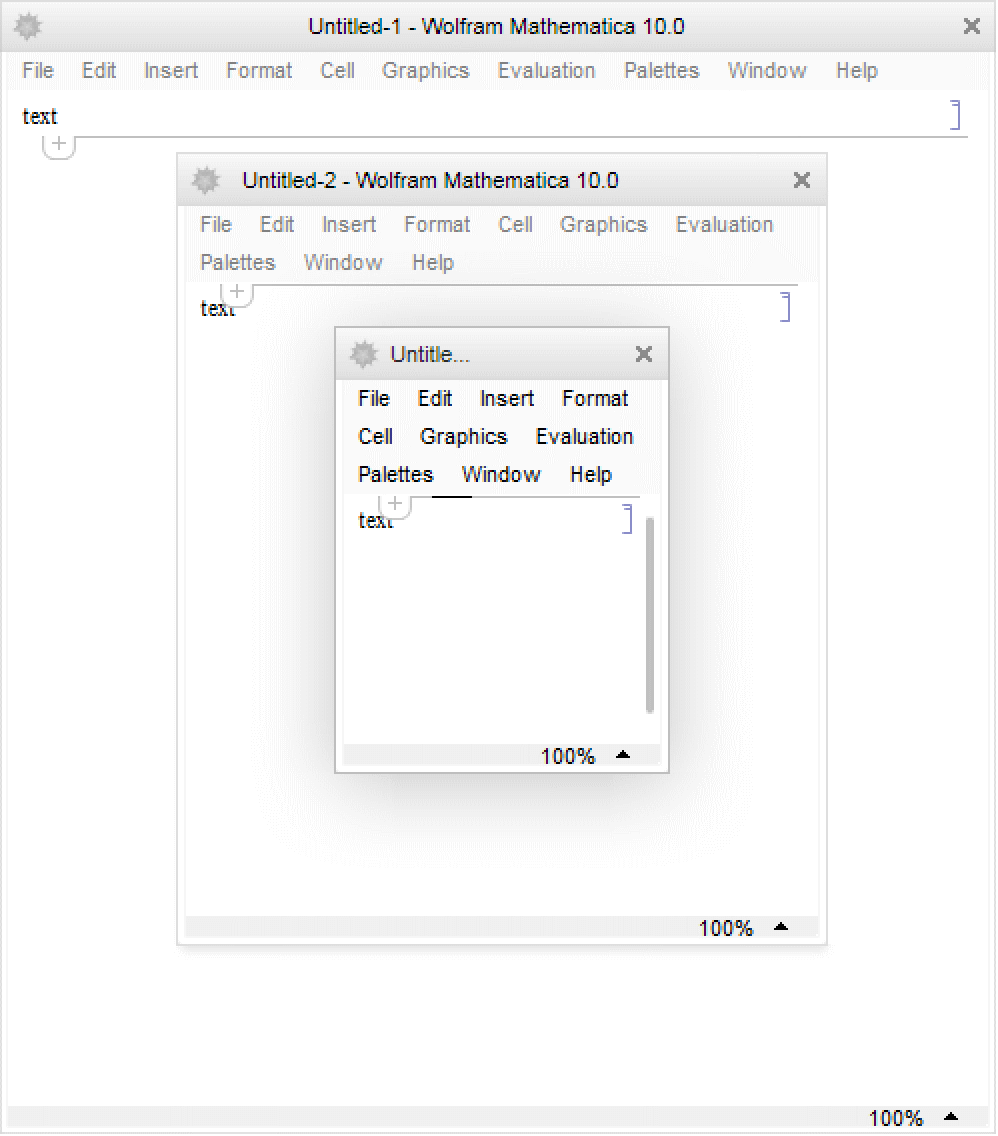
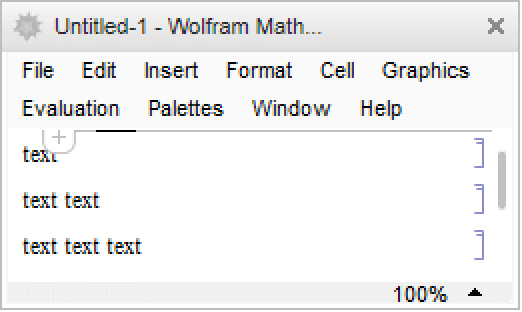

Wolfram Research (1996), WindowSize, Wolfram Language function, https://reference.wolfram.com/language/ref/WindowSize.html (updated 2007).
Text
Wolfram Research (1996), WindowSize, Wolfram Language function, https://reference.wolfram.com/language/ref/WindowSize.html (updated 2007).
CMS
Wolfram Language. 1996. "WindowSize." Wolfram Language & System Documentation Center. Wolfram Research. Last Modified 2007. https://reference.wolfram.com/language/ref/WindowSize.html.
APA
Wolfram Language. (1996). WindowSize. Wolfram Language & System Documentation Center. Retrieved from https://reference.wolfram.com/language/ref/WindowSize.html