"Wizard"


GUIKit`
GUIKit`
"Wizard"
The functionality provided by GUIKit has been superseded by the interface construction and controls functions native to the built-in Wolfram Language.
Widget["Wizard"]
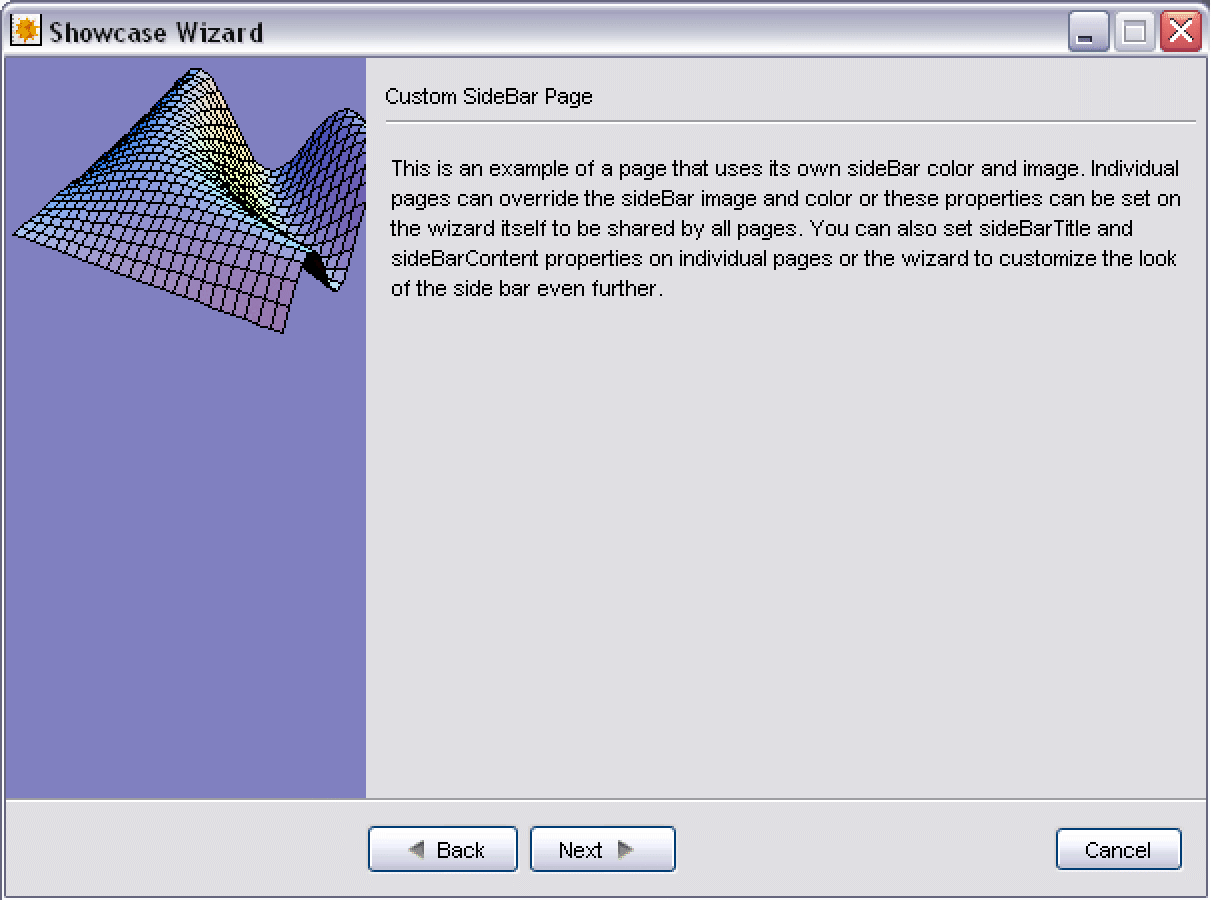
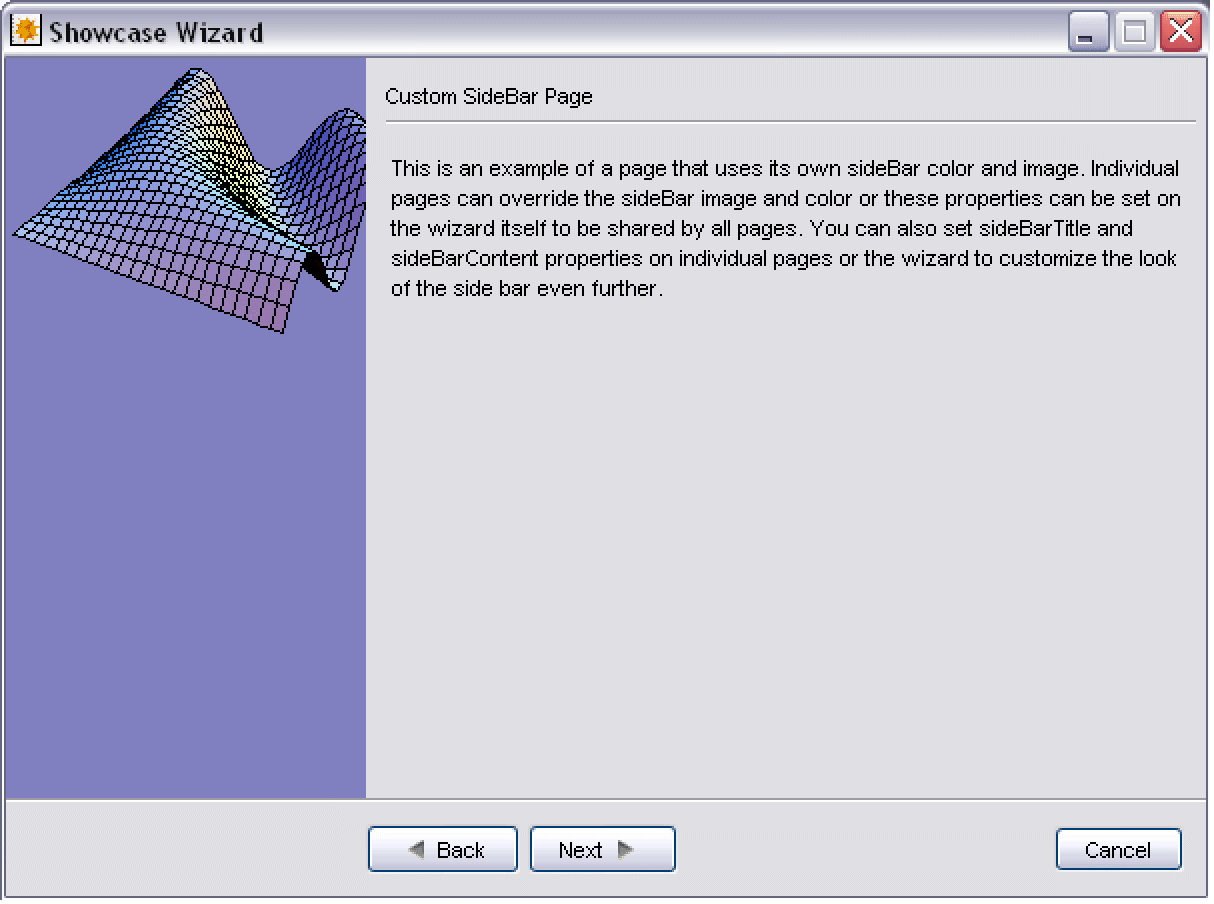
represents a collection of pages that form a wizard.
更多信息
- To use Widget["Wizard"], you first need to load GUIKit using Needs["GUIKit`"].
- Widget["Wizard"] definitions are not themselves graphical user interface widgets, but must be displayed within either a Widget["WizardFrame"] or Widget["WizardDialog"]. You would typically run a wizard within a Widget["WizardFrame"] for stand-alone or modeless wizard tools, but you might choose to use a Widget["WizardDialog"] when the wizard runs in a modal session relative to another user interface frame.
- The following properties are available:
-
"pages" {} the wizard page contents "title" Null title of the wizard "sideBarTitle" Null title of the sidebar - The following events are available:
-
"wizardFinished" the event triggered when the wizard successfully completes all tasks "wizardCanceled" the event triggered when the wizard was canceled and will not complete all tasks "wizardClosed" the event triggered when the wizard will close, either after a successful finish or cancel