GUIKit Example: Package Listing
GUIKit Example: Package Listing
The functionality provided by GUIKit has been superseded by the interface construction and controls functions native to the built-in Wolfram Language.
Example
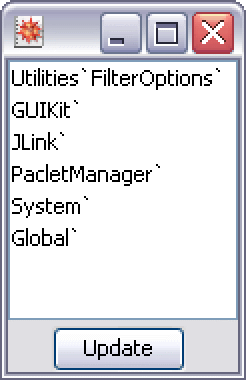
This example displays a modeless dialog that shows all currently loaded Wolfram Language packages with an update button to refresh the current list.
If you load additional packages, such as the DatabaseLink application, and then click the Update button, the package listing dialog will update its list contents.