Legends
The Wolfram Language provides easy tools to create and add legends to visualizations of all kinds. Whether using the built-in automatic legends, creating highly customized legends, or something in between, the Wolfram Language provides straightforward ways of using legends to match styles with labels, and colors with values. In the extreme cases, the Wolfram Language allows practically anything to have a legend, and for that legend to be anything.
Legend Types
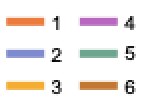 LineLegend — styled lines and labels
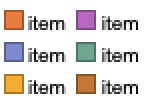 SwatchLegend — styled swatches and labels
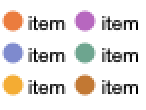 PointLegend — styled markers and labels
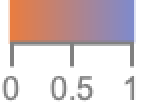 BarLegend — color bar and axis
Legend Integration
Legended — display an expression with a legend
PlotLegends — option for adding legends to plots
ChartLegends — option for adding legends to charts
Legend Options
LegendLabel — overall label for legend
LegendMarkers — markers to use for the different legend items
LegendLayout — row- or column-oriented layout for tabular legends
LegendMarkerSize — size of markers in the legend
LabelStyle — style for labels
LegendMargins — space around legend
LegendFunction — overall function applied to legend