

CreateDialog
CreateDialog[expr]
creates a dialog notebook containing expr and opens it in the front end.
CreateDialog[expr,obj]
replaces the notebook represented by the notebook object obj with the one obtained from expr.
Details and Options
- CreateDialog by default creates a notebook with options set so as to be suitable for the appearance and behavior of a typical dialog box. The option settings include Deployed->True, ShowCellBracket->False, WindowFloating->False and WindowSize->All.
- Dialog notebooks created by CreateDialog are by default opened in the middle of the main display screen. Explicit settings for WindowMargins override this.
- CreateDialog[expr] by default puts expr into a single output cell.
- If expr is a complete notebook expression, CreateDialog[expr] creates an open notebook corresponding to this expression.
- If expr is a cell or list of cells, CreateDialog[expr] creates a notebook consisting of this cell or cells.
- CreateDialog can take any notebook option.
- If no explicit setting is given for WindowTitle, no name will be displayed for a dialog.
- The additional option Modal specifies whether the dialog created by CreateDialog should be modal.
- With the default setting Modal->False, other windows can be used even when the dialog is open. With Modal->True, no other Wolfram System windows can be used until the dialog has been closed. If there is no mechanism for closing the dialog, the Wolfram System will effectively freeze.
- If DialogReturn is executed, for example as a result of clicking a button, within the window created by CreateDialog, then the window will be closed.
- In dialogs created with CreateDialog, pressing
![TemplateBox[{return}, Key0, BaseStyle -> {Notes, FontWeight -> Plain, FontFamily -> Source Sans Pro}]](Files/CreateDialog.en/1.png "TemplateBox[{return}, Key0, BaseStyle -> {Notes, FontWeight -> Plain, FontFamily -> Source Sans Pro}]") is effectively equivalent to clicking the DefaultButton, and
is effectively equivalent to clicking the DefaultButton, and  to clicking the CancelButton.
 - If the dialog contains no DefaultButton or CancelButton, pressing
![TemplateBox[{return}, Key0, BaseStyle -> {Notes, FontWeight -> Plain, FontFamily -> Source Sans Pro}]](Files/CreateDialog.en/5.png "TemplateBox[{return}, Key0, BaseStyle -> {Notes, FontWeight -> Plain, FontFamily -> Source Sans Pro}]") or
or  will close the dialog without taking any other action.
 - CreateDialog returns a NotebookObject corresponding to the notebook it creates.
- CreateDialog[expr,obj] overwrites whatever data was contained in the notebook represented by the notebook object obj.
Examples
open all close allBasic Examples (2)
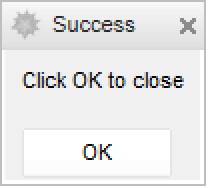
CreateDialog[{TextCell["Click OK to close"], DefaultButton[]}];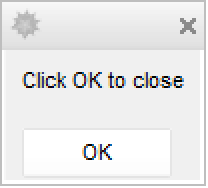
Make a dialog notebook that accepts input text:
CreateDialog[{TextCell["Enter a name: "], InputField[Dynamic[nm], String], DefaultButton[DialogReturn[ret = nm]]}];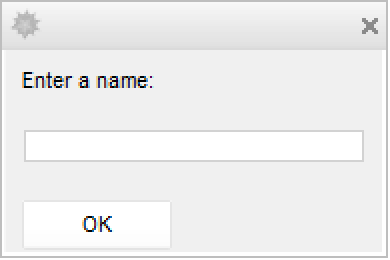
Type something in the input field:
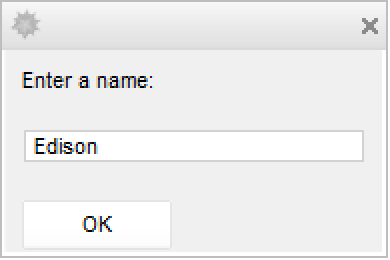
Click OK to assign the input to ret:
ToExpression["Global`ret"]Scope (2)
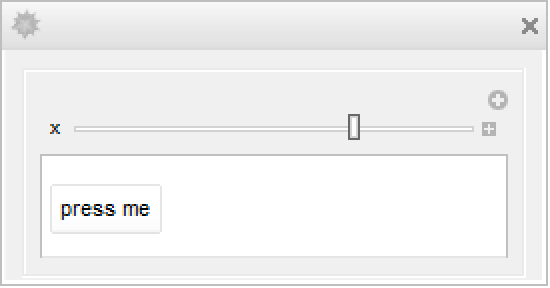
Put up a dialog window for setting a value for u:
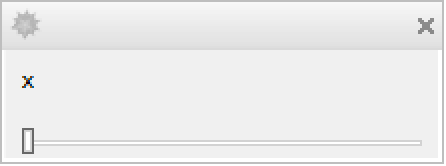
CreateDialog[Manipulate[Button["press me", u = x], {x, 0, 1}]];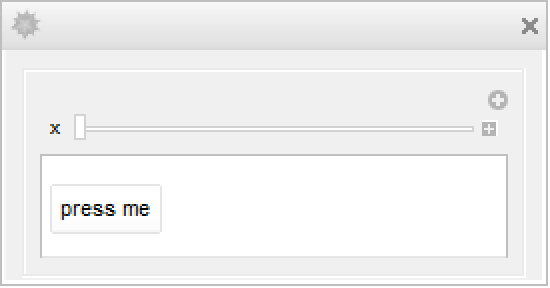
Moving the slider changes the value of the Manipulate variable x:
uCreate a modal dialog, which blocks interactions with other open notebooks:
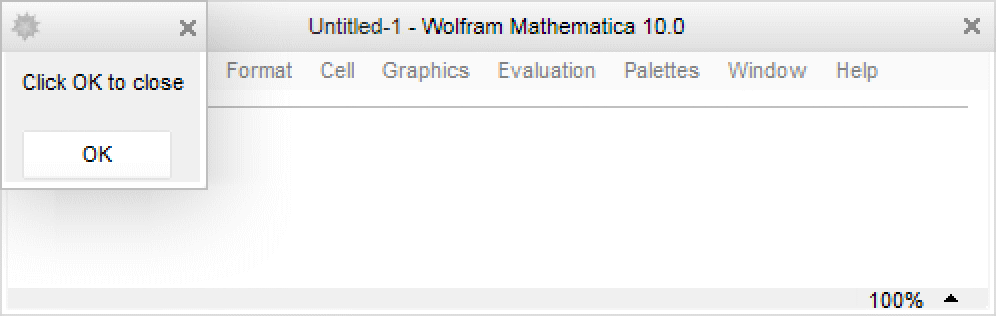
CreateDialog[{TextCell["Click OK to close"], DefaultButton[]}, Modal -> True];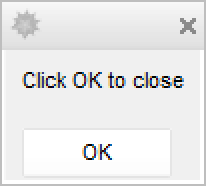
Options (4)
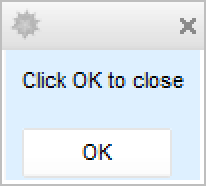
Background (1)
Enabled (1)
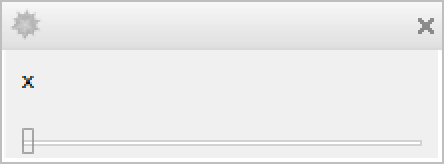
WindowMargins (1)
Applications (1)
Create a dialog window for manipulating a graphics object:
CreateDialog[DynamicModule[{a = "○", ctr = {.5, .5}}, Column[{SetterBar[Dynamic[a], {"○", "●", "□", "■"}], Slider2D[Dynamic[ctr]], Dynamic[Graphics[Text[a, ctr], ImageSize -> 140, Background -> White, PlotRange -> {{0, 1}, {0, 1}}]], DefaultButton[]}]]];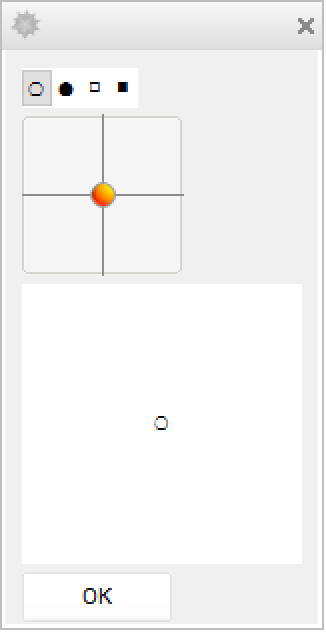
Properties & Relations (1)
To create a dialog that blocks kernel evaluations, use DialogInput:
CreateDialog[{TextCell["Click OK to close"], DefaultButton[]}];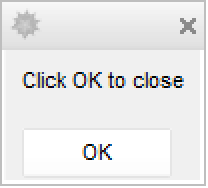
DialogInput[{TextCell["Click OK to close"], DefaultButton[]}]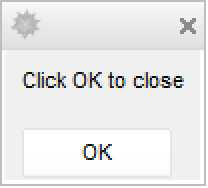
Text
Wolfram Research (2007), CreateDialog, Wolfram Language function, https://reference.wolfram.com/language/ref/CreateDialog.html.
CMS
Wolfram Language. 2007. "CreateDialog." Wolfram Language & System Documentation Center. Wolfram Research. https://reference.wolfram.com/language/ref/CreateDialog.html.
APA
Wolfram Language. (2007). CreateDialog. Wolfram Language & System Documentation Center. Retrieved from https://reference.wolfram.com/language/ref/CreateDialog.html