

Notebook
Notebook[{cell1,cell2,…}]
is the low‐level construct that represents a notebook manipulated by the Wolfram System front end.
Details
- Notebook files contain explicit Notebook expressions written out in textual form.
- You can manipulate open notebooks in the front end using standard commands in the front end, and using the Option Inspector.
- Open notebooks in the front end are referred to in the kernel by NotebookObject constructs. You can use Options and SetOptions to look at and modify options for open notebooks.
Examples
open all close allBasic Examples (1)
Scope (3)
Use a Notebook expression for representing graphics:
NotebookPut[Notebook[{Cell[BoxData[GraphicsBox[DiskBox[{0, 0}], ImageSize -> Small]]]}]];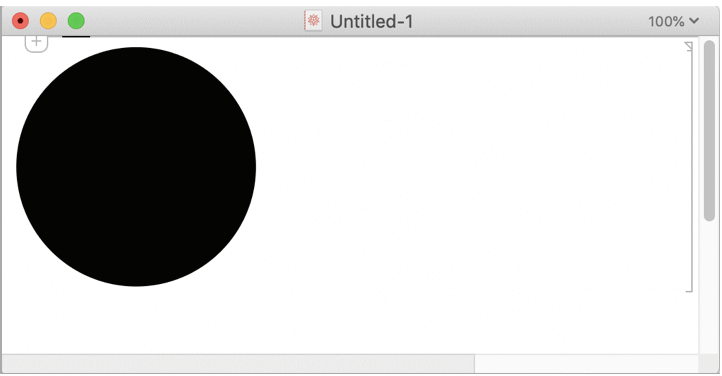
A Notebook expression for a two-dimensional input form:
NotebookPut[Notebook[{Cell[BoxData[SuperscriptBox["x", "p"]], "Input"]}]];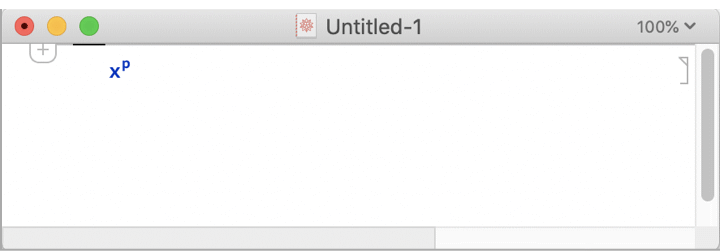
A Notebook expression for text and a control object:
NotebookPut[Notebook[{Cell["Click OK to continue."], Cell[BoxData[ButtonBox["OK", ButtonFunction :> DialogReturn[], Evaluator -> Automatic]]]}]];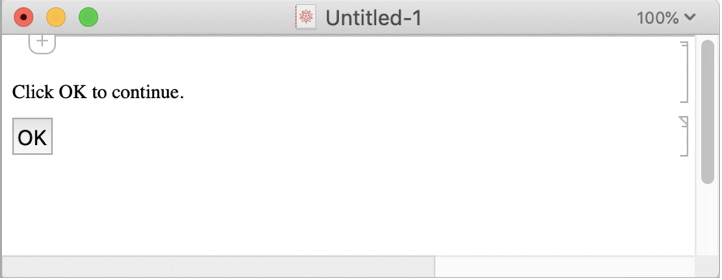
Options (3)
Background (1)
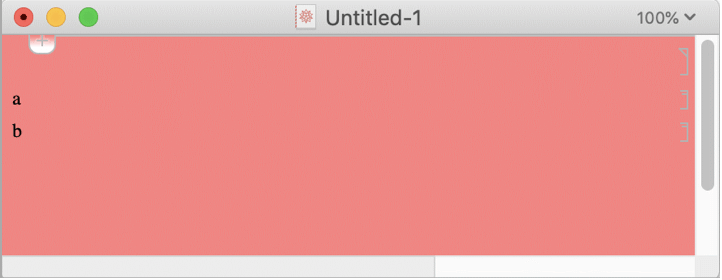
CellGrouping (1)
Set to Manual to allow arbitrary cell grouping arrangements:
NotebookPut[Notebook[{Cell[CellGroupData[{Cell["a"], Cell["b"]}, Open]]}, CellGrouping -> Manual]];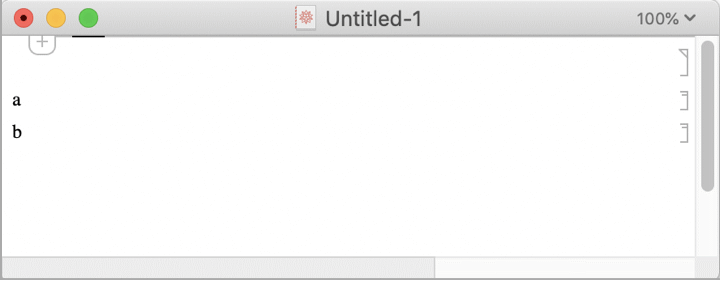
Editable (1)
Set to False to disable interactive changes:
nb = NotebookPut[Notebook[{Cell["a"], Cell["b"]}, Editable -> False]];Text
Wolfram Research (1996), Notebook, Wolfram Language function, https://reference.wolfram.com/language/ref/Notebook.html (updated 2007).
CMS
Wolfram Language. 1996. "Notebook." Wolfram Language & System Documentation Center. Wolfram Research. Last Modified 2007. https://reference.wolfram.com/language/ref/Notebook.html.
APA
Wolfram Language. (1996). Notebook. Wolfram Language & System Documentation Center. Retrieved from https://reference.wolfram.com/language/ref/Notebook.html