


NotebookPut
NotebookPut[expr]
creates a notebook corresponding to expr and makes it the currently selected notebook in the front end.
creates a new empty notebook.
NotebookPut[expr,obj]
replaces the notebook represented by the notebook object obj with one corresponding to expr.
Details
- NotebookPut is a low-level function that allows you to take a raw notebook expression in the kernel and make it an open notebook in the front end.
- The expression expr should have head Notebook, and contain raw Cell objects, with boxes data.
- NotebookPut returns a NotebookObject corresponding to the notebook it creates.
- NotebookPut[expr,obj] overwrites whatever data was contained in the notebook represented by the notebook object obj. »
- NotebookPut can take any notebook option. »
Examples
open allclose all

Options (2)
WindowTitle (1)
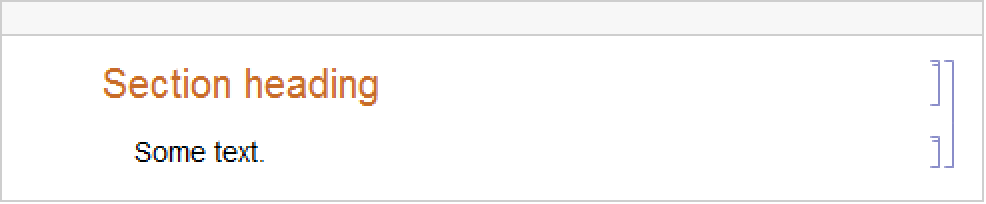
An explicit setting of WindowTitle is reflected in the name of the resulting notebook object:
Applications (1)
Properties & Relations (1)
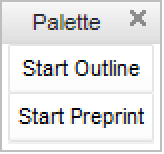
NotebookPut and similar low‐level functions require detailed specifications:
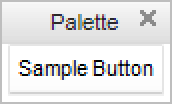
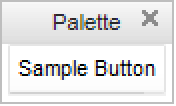
CreatePalette and other high-level notebook functions create the same result more easily:
Neat Examples (1)
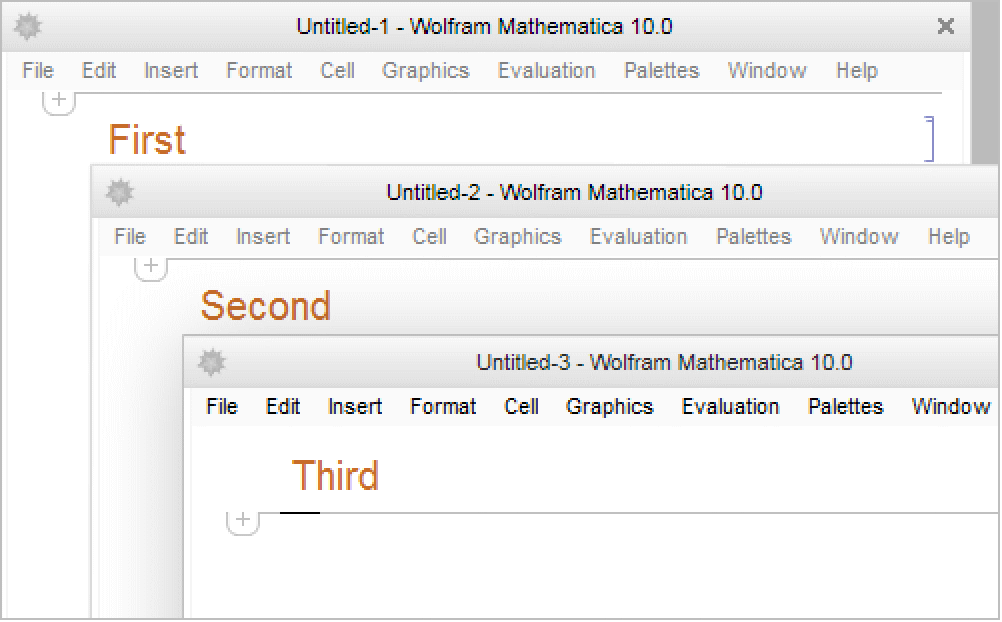
Create a staggered series of notebooks using Map and WindowMargins:
Text
Wolfram Research (1996), NotebookPut, Wolfram Language function, https://reference.wolfram.com/language/ref/NotebookPut.html (updated 2007).
CMS
Wolfram Language. 1996. "NotebookPut." Wolfram Language & System Documentation Center. Wolfram Research. Last Modified 2007. https://reference.wolfram.com/language/ref/NotebookPut.html.
APA
Wolfram Language. (1996). NotebookPut. Wolfram Language & System Documentation Center. Retrieved from https://reference.wolfram.com/language/ref/NotebookPut.html