


NotebookSelection
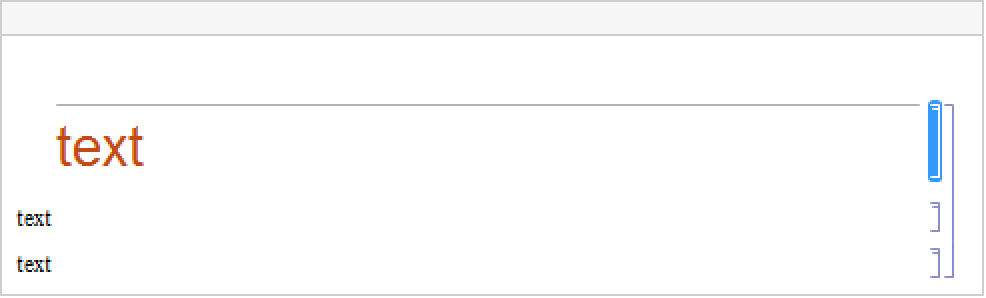
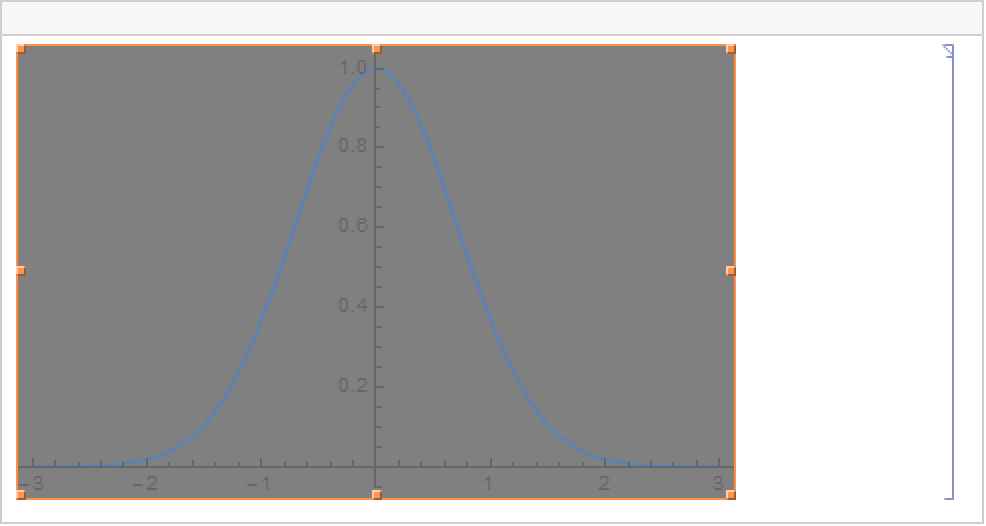
represents the current selection in the current evaluation notebook in the front end.
represents the current selection associated with the open notebook nb.
Details

- NotebookSelection takes a NotebookObject as an argument.
- You can use Options and SetOptions to read and write options associated with your current selection.
Examples
open allclose allBasic Examples (1)



Properties & Relations (1)
You do not need to use NotebookSelection with most notebook-manipulating functions:


Wolfram Research (1996), NotebookSelection, Wolfram Language function, https://reference.wolfram.com/language/ref/NotebookSelection.html.
Text
Wolfram Research (1996), NotebookSelection, Wolfram Language function, https://reference.wolfram.com/language/ref/NotebookSelection.html.
CMS
Wolfram Language. 1996. "NotebookSelection." Wolfram Language & System Documentation Center. Wolfram Research. https://reference.wolfram.com/language/ref/NotebookSelection.html.
APA
Wolfram Language. (1996). NotebookSelection. Wolfram Language & System Documentation Center. Retrieved from https://reference.wolfram.com/language/ref/NotebookSelection.html