

NotebookWrite
NotebookWrite[notebook,data]
writes data into a notebook at the current selection, setting the current selection to be just after the data written.
NotebookWrite[obj,data]
replaces the given cell or box object instead of the current selection.
NotebookWrite[obj,data,sel]
writes data into a notebook, setting the current selection to be as specified by sel.
NotebookWrite[NotebookLocationSpecifier[obj,location],data,sel]
writes data into the specified location relative to obj.
Details and Options
- The first argument of NotebookWrite can be a NotebookObject, CellObject, or BoxObject.
- NotebookWrite to a NotebookObject does essentially the same as a Paste operation in the front end: it replaces whatever the current selection in the notebook is by data.
- NotebookWrite to a CellObject or BoxObject replaces the given cell or box with the specified content. If no third argument is specified and the selection is not inside the cell, it does this without disturbing the current selection.
- NotebookLocationSpecifier[obj,location] specifies that the notebook should write data to a location relative to the CellObject or BoxObject obj. Possible settings for location are:
-
"After" write data after the object "AfterContent" append data to the contents of the object "Before" write data before the object "BeforeContent" prepend data to the contents of the object "On" overwrite the object - NotebookWrite is the basic way to use the Wolfram Language kernel to modify the contents of notebooks that are being manipulated by the front end.
- NotebookWrite automatically wraps Cell around the data you specify if this is necessary.
- Possible settings for sel are:
-
After place the current selection immediately after the data written All make the current selection be the data written Before place the current selection immediately before the data written None leave the current selection unchanged Placeholder make the current selection be the first placeholder in the data written - The default for sel is After, so that NotebookWrite[obj,data] can be called repeatedly to insert several pieces of data in sequence.
Examples
open all close allBasic Examples (1)

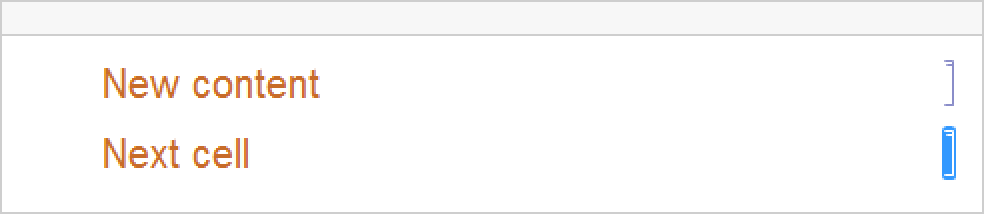
Scope (4)
Dynamic[cell = EvaluationCell[]]NotebookWrite[cell, Cell["output cell", "Output"], All]Display a button that replaces itself when clicked:
Button["click", NotebookWrite[EvaluationBox[], ToBoxes[DateString[]]]]NotebookLocationSpecifier (2)
Display a button that writes content to a new cell above the cell containing the button:
Button["click", NotebookWrite[NotebookLocationSpecifier[EvaluationCell[], "Before"], Cell["Peekaboo", "Print"]]]Display a button that adds a random digit immediately after the button when clicked:
Button["click", NotebookWrite[NotebookLocationSpecifier[EvaluationBox[], "After"], RandomChoice[Range[9]]]]Add the content inside of the button instead of next to it:
Button["click", NotebookWrite[NotebookLocationSpecifier[EvaluationBox[], "AfterContent"], RandomChoice[Range[9]]]]Options (1)
AutoScroll (1)
First create an empty sample notebook to operate on:
nb = CreateDocument[];
Write a tall cell expression to the sample notebook and the scroll position remains at the top:
NotebookWrite[nb, Cell[BoxData[ToBoxes[Column[Table[x, {x, 1, 200}]]]]], AutoScroll -> False]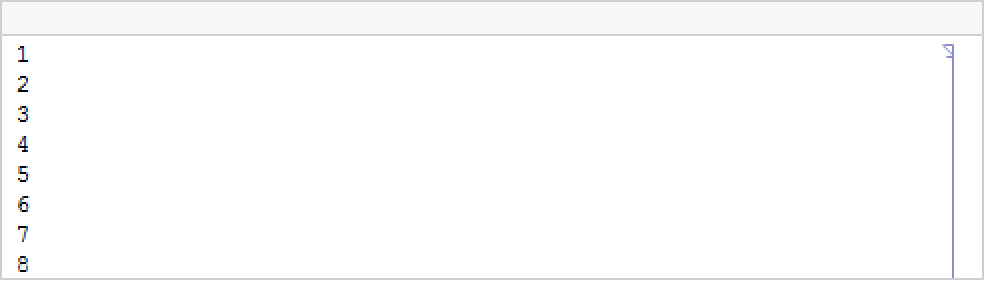
Properties & Relations (1)
nb = CreateDocument[{TextCell["First.", "Text"], TextCell["Second.", "Text"]}];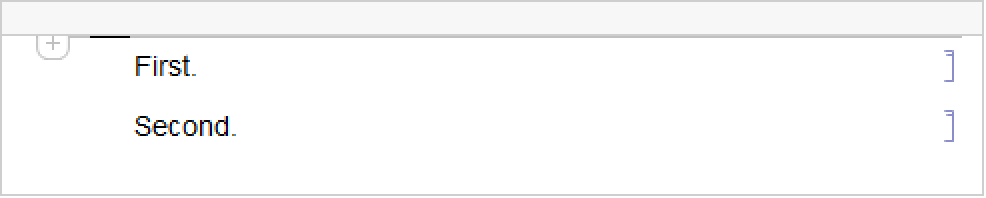
Use NotebookWrite to write over a selected part of the document:
SelectionMove[nb, Next, Cell];
NotebookWrite[nb, Cell["New first.", "Text"]]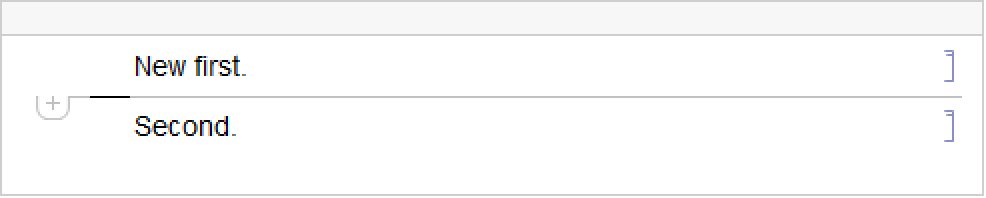
Or use NotebookPut to replace the full contents:
NotebookPut[Notebook[{Cell["Completely new", "Text"]}], nb];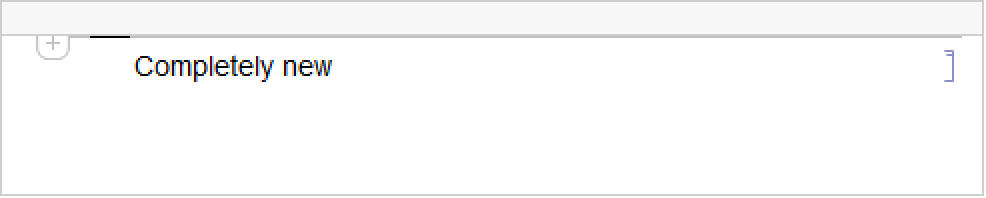
Text
Wolfram Research (1996), NotebookWrite, Wolfram Language function, https://reference.wolfram.com/language/ref/NotebookWrite.html (updated 2023).
CMS
Wolfram Language. 1996. "NotebookWrite." Wolfram Language & System Documentation Center. Wolfram Research. Last Modified 2023. https://reference.wolfram.com/language/ref/NotebookWrite.html.
APA
Wolfram Language. (1996). NotebookWrite. Wolfram Language & System Documentation Center. Retrieved from https://reference.wolfram.com/language/ref/NotebookWrite.html