How to| 创建即时网页表单
即时网页表单让您可以从某网页表单在 Wolfram Cloud 中调用 Wolfram 语言代码. 可使用 Wolfram 语言函数 FormFunction 和 CloudDeploy 来创建即时网页表单. 即时网页表单可为私用的(那么只有您可以使用它们)或是公用的(那么任何人都能使用).注意:运行即时网页表单会使用您账号里的 Wolfram Cloud Credits 积分.
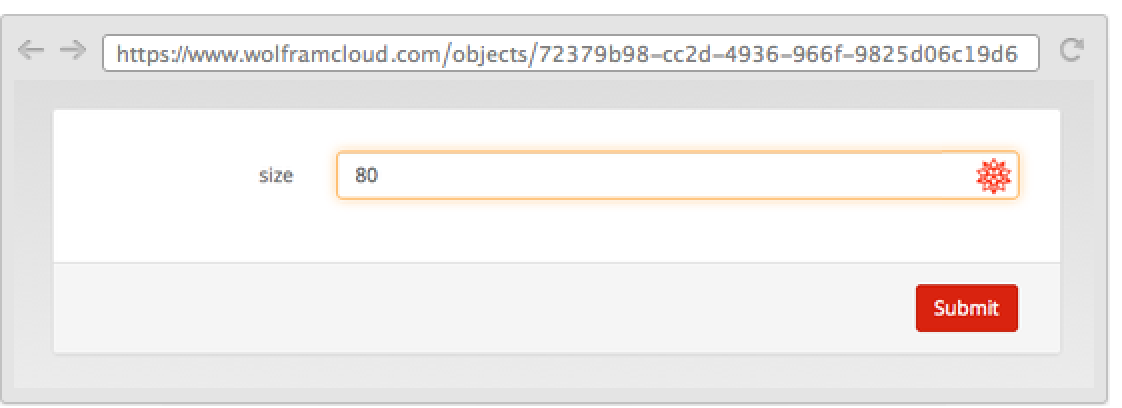
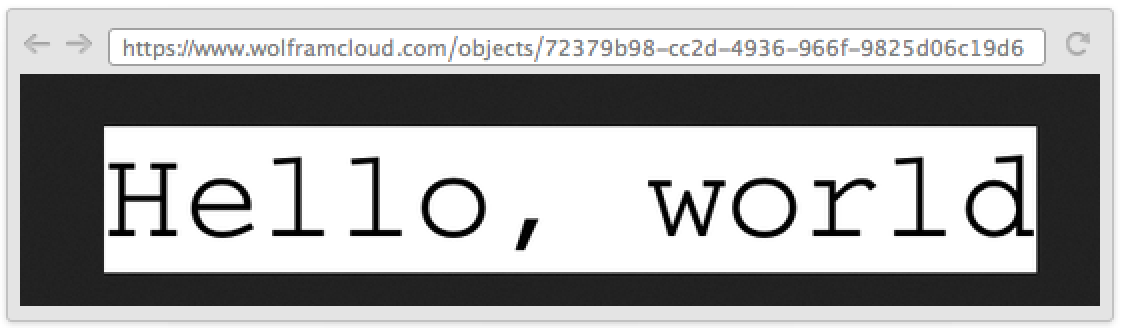
设置即时网页表单,使它可以调用函数并生成指定字体大小的 "Hello, world":
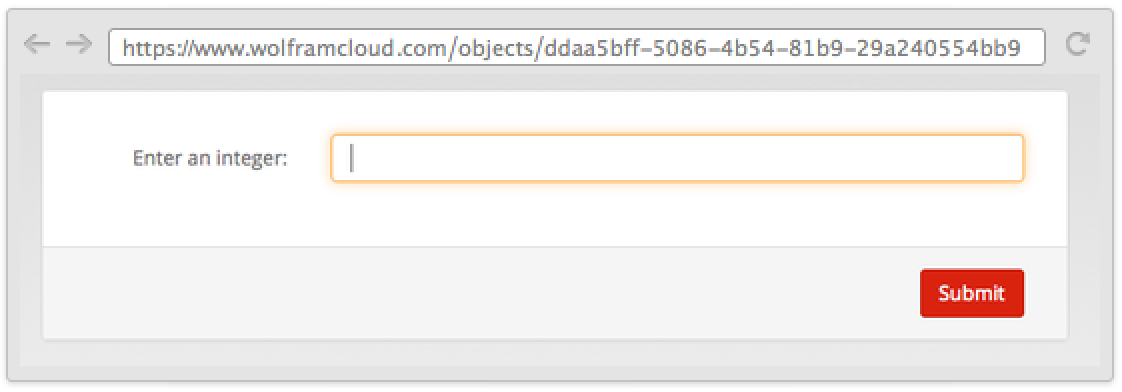
CloudDeploy[FormFunction[{"size" -> "Number"}, Style["Hello, world", #size]&, "PNG"]]CloudDeploy[FormFunction[{{"x", "Enter an integer:"} -> "Number"}, #x ^ #x&]]CloudDeploy[FormFunction[{{"x", "Enter an integer:"} -> "Number" -> 100}, #x ^ #x &]]Restricted 限制了参数的范围:
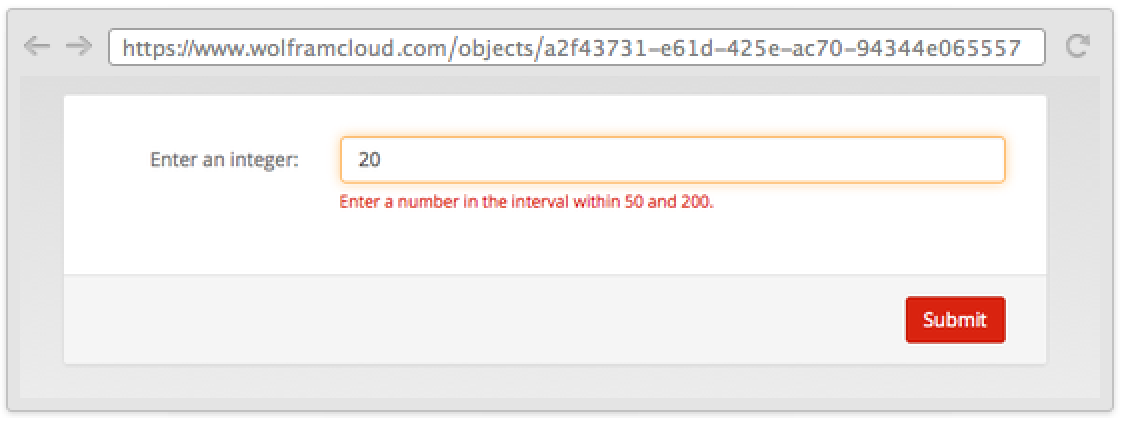
CloudDeploy[FormFunction[{{"x", "Enter an integer:"} -> Restricted["Number", {50, 200}] -> 100}, #x ^ #x &]]FormFunction 自动设置适用的控件:
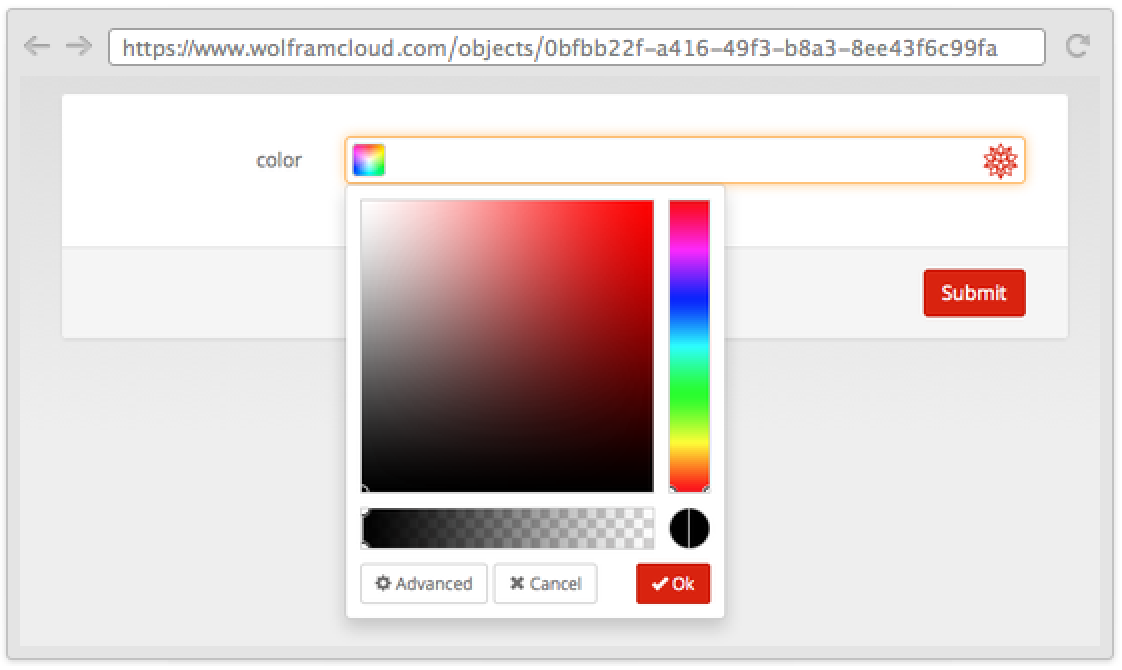
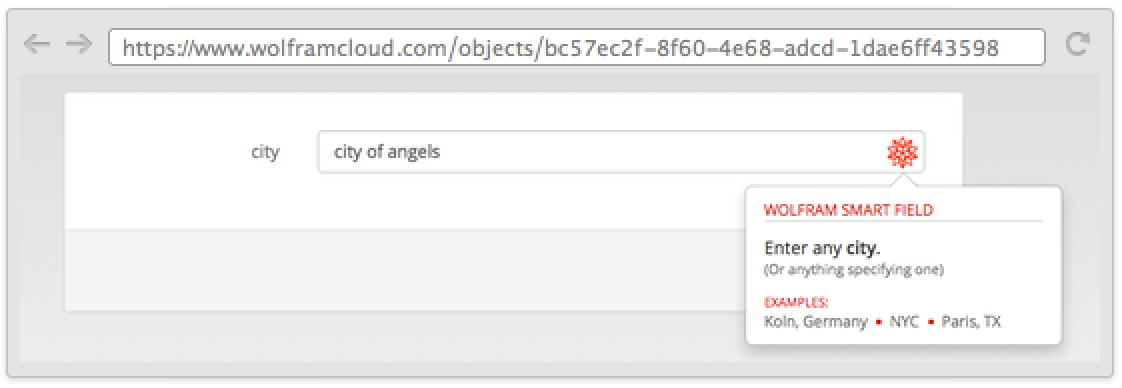
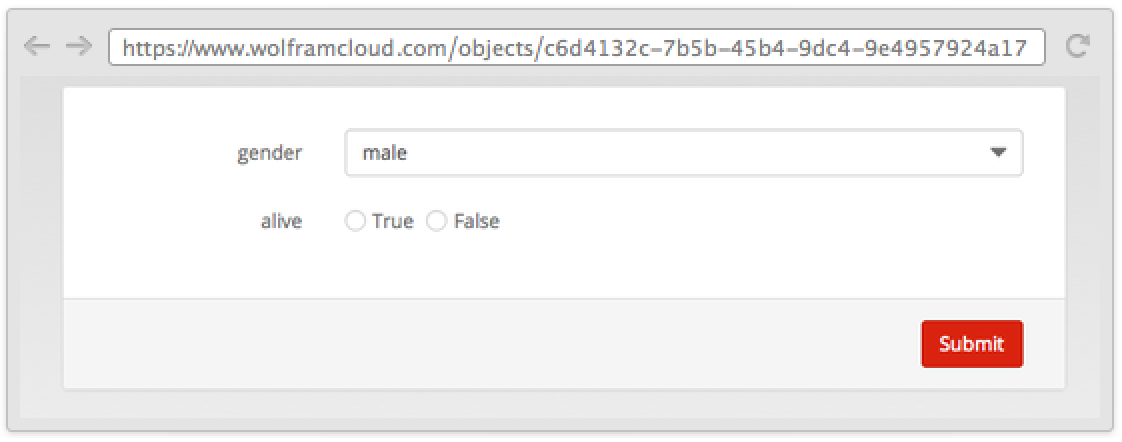
CloudDeploy[FormFunction[{"gender" -> {"male", "female", "other"}, "alive" -> {True, False}}, {#gender, #alive}&]]使用 PageTheme 选项可改变表单的整体外观:
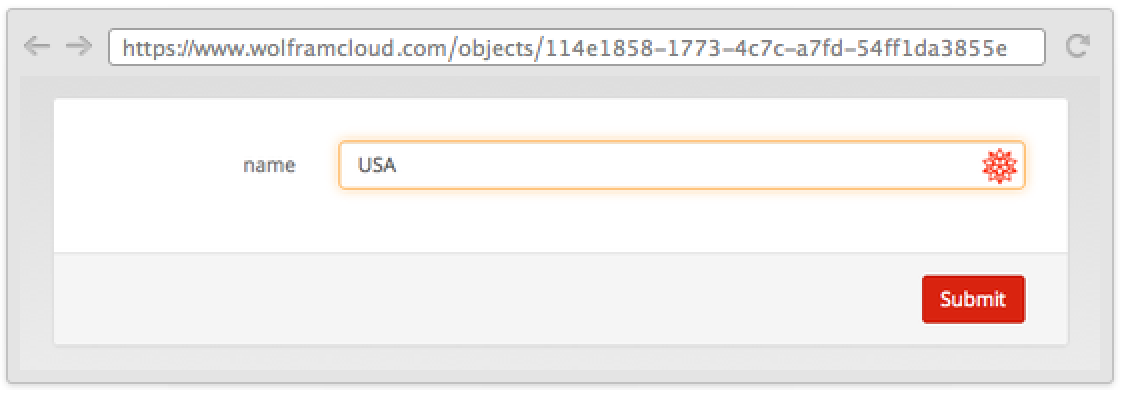
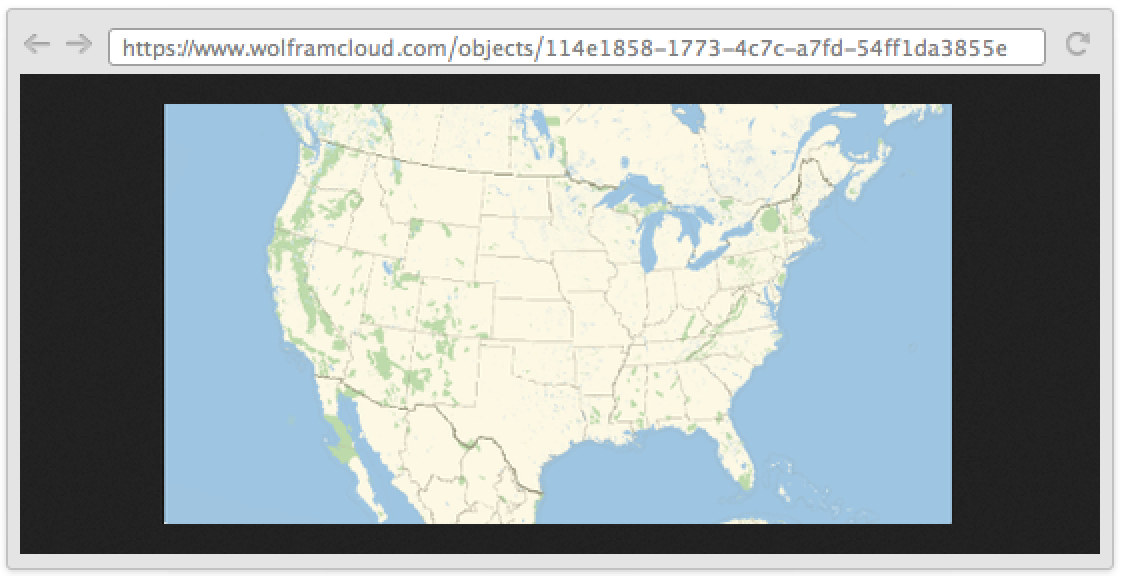
CloudDeploy[FormFunction[{"name" -> "Country"}, GeoGraphics[#name]&, "PNG", PageTheme -> "Black"]]Wolfram 语言为表单和其输入栏的外观提供了详细的操作空间. FormObject 可指定表单的基本外观,然后使用 FormLayoutFunction 选项来指定表单应如何在网页上呈现.