Analyze an Email Inbox
Import .mbox files for analysis.
The MBOX file format is a common format for mail servers. The data comes from the Apache public archives: https://lists.apache.org.
Import the inbox
Get information on MBOX file elements:
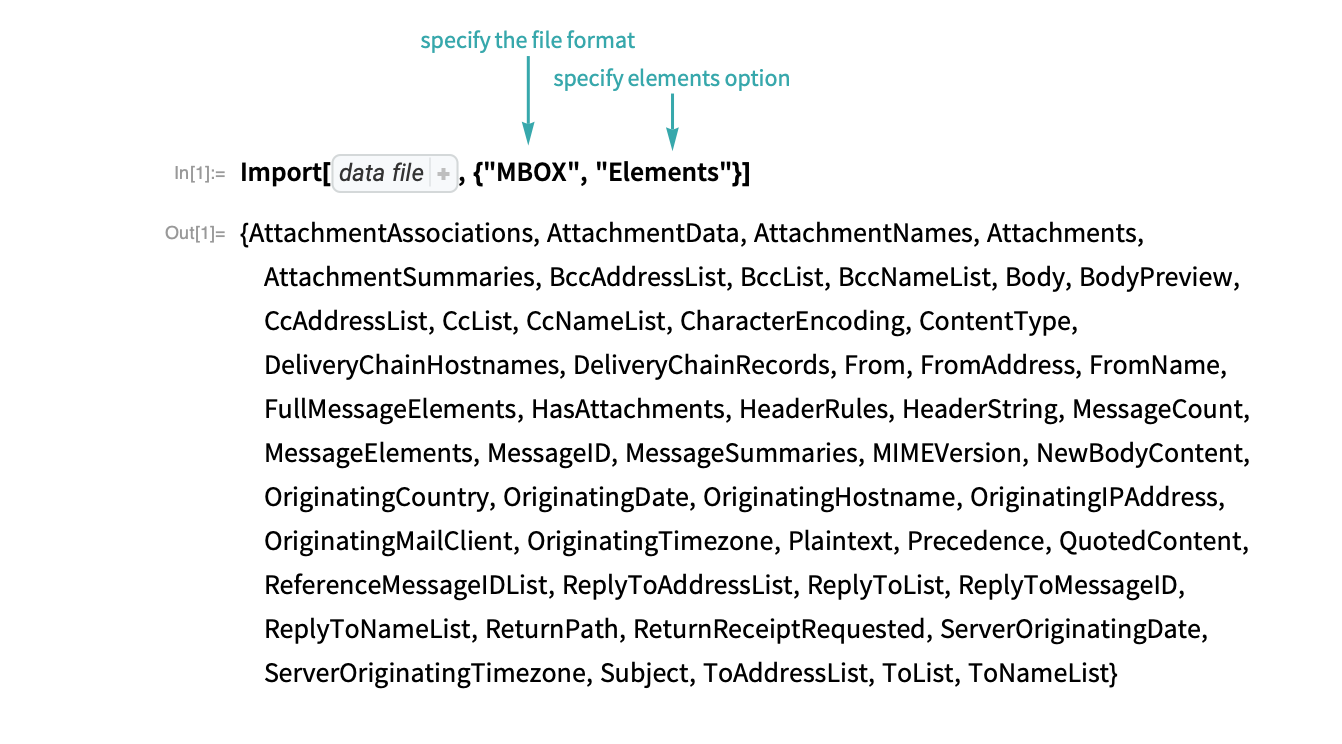
Define the elements for data import:
fields = {"From", "ToList", "OriginatingDate", "Subject", "NewBodyContent", "MessageID"};Import the data from the file:

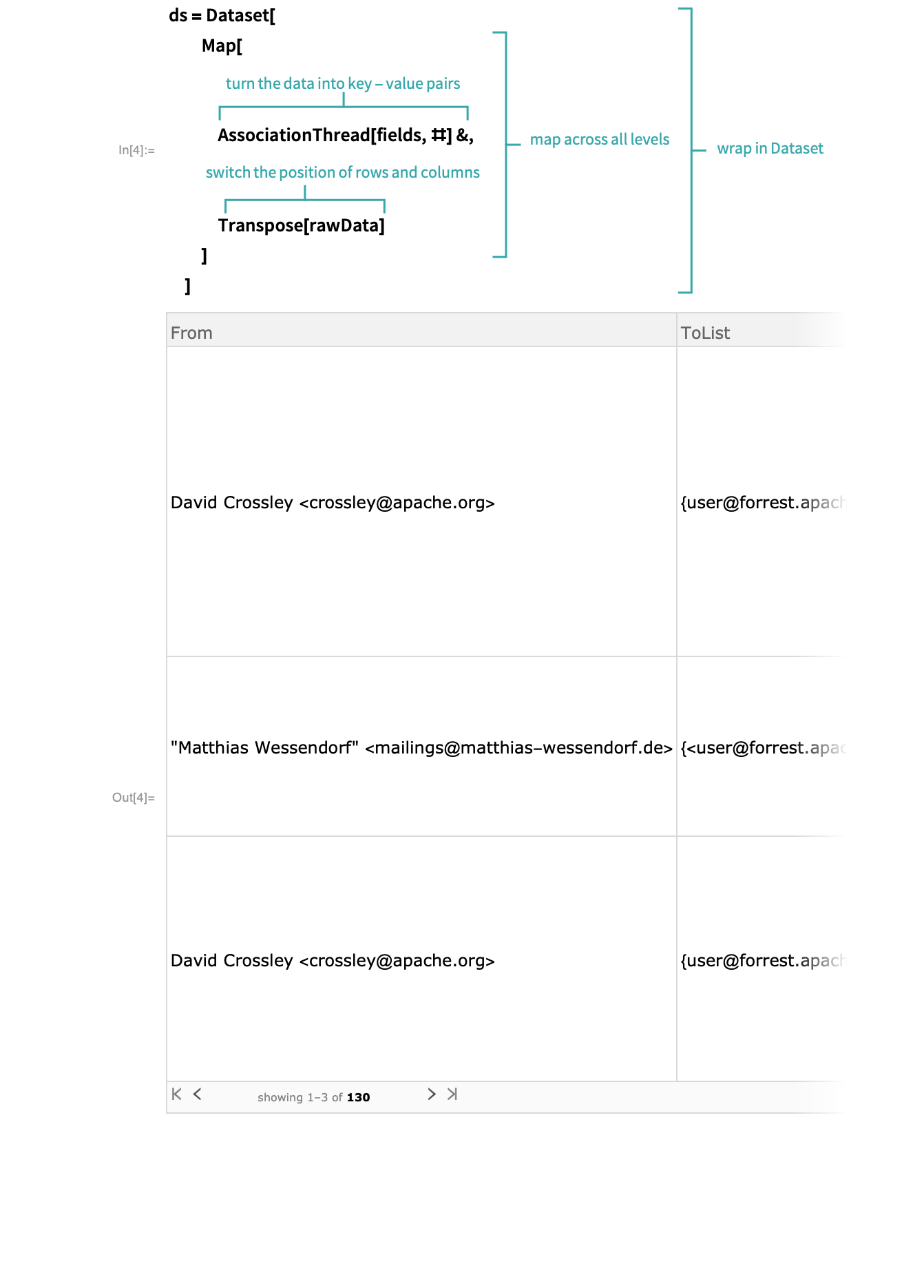
Visualize each email in a Dataset:
Analyze the emails
Extract the dates for which the emails were sent:
dates = ds[All, "OriginatingDate"]- Each date is represented as a DateObject.
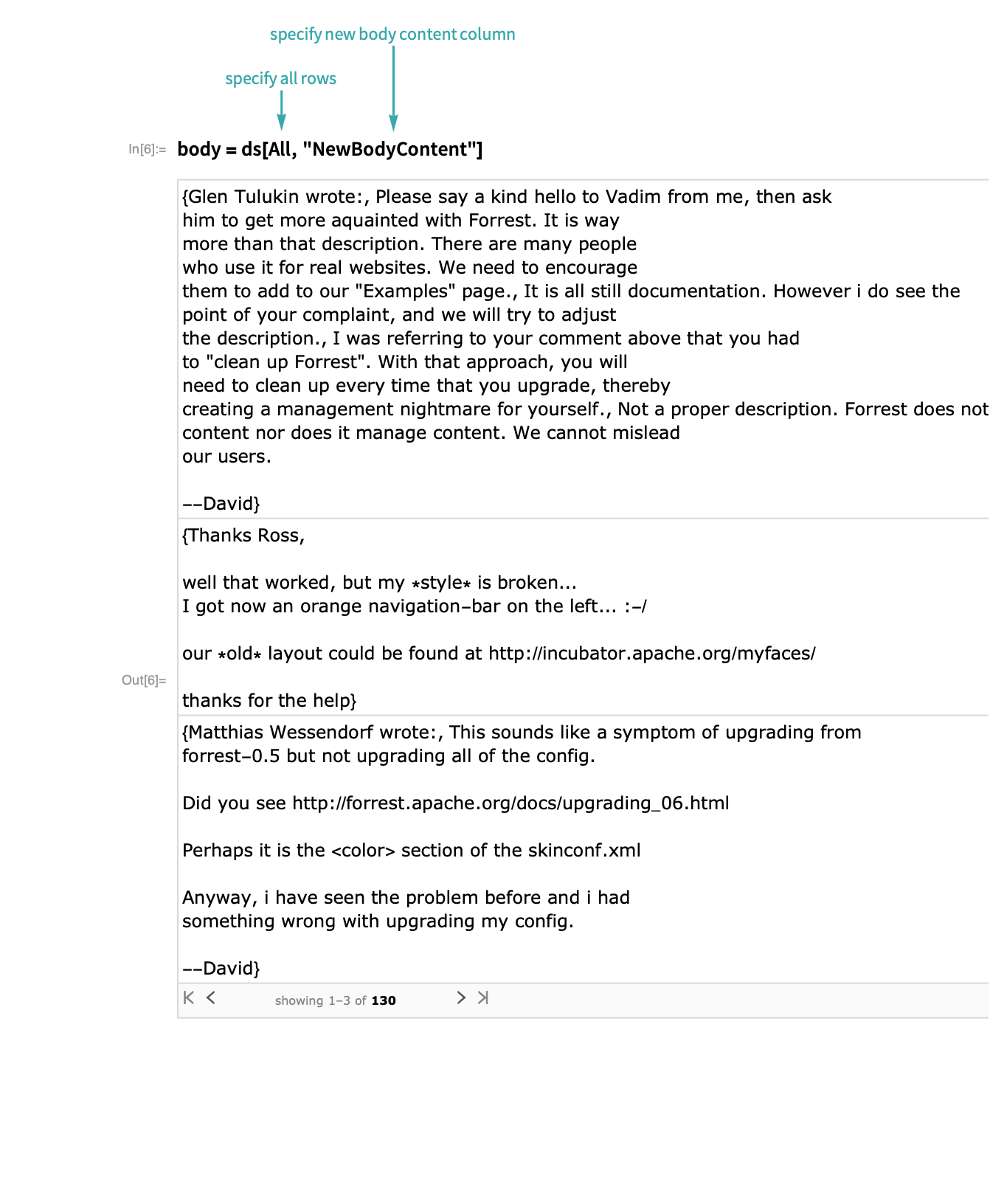
Extract the body of emails:
Use StringLength and Total to sum the character length of emails:

Visualize the emails
Use DateHistogram to create a histogram for the time of day emails were sent:
DateHistogram[dates, DateReduction -> "Day"]Create a Histogram that shows the distribution of message lengths:
Histogram[length, Automatic, "Probability"]